
LCD 2004 I2C 20x4 Display, Blue Backlight
Image Gallery
Overview
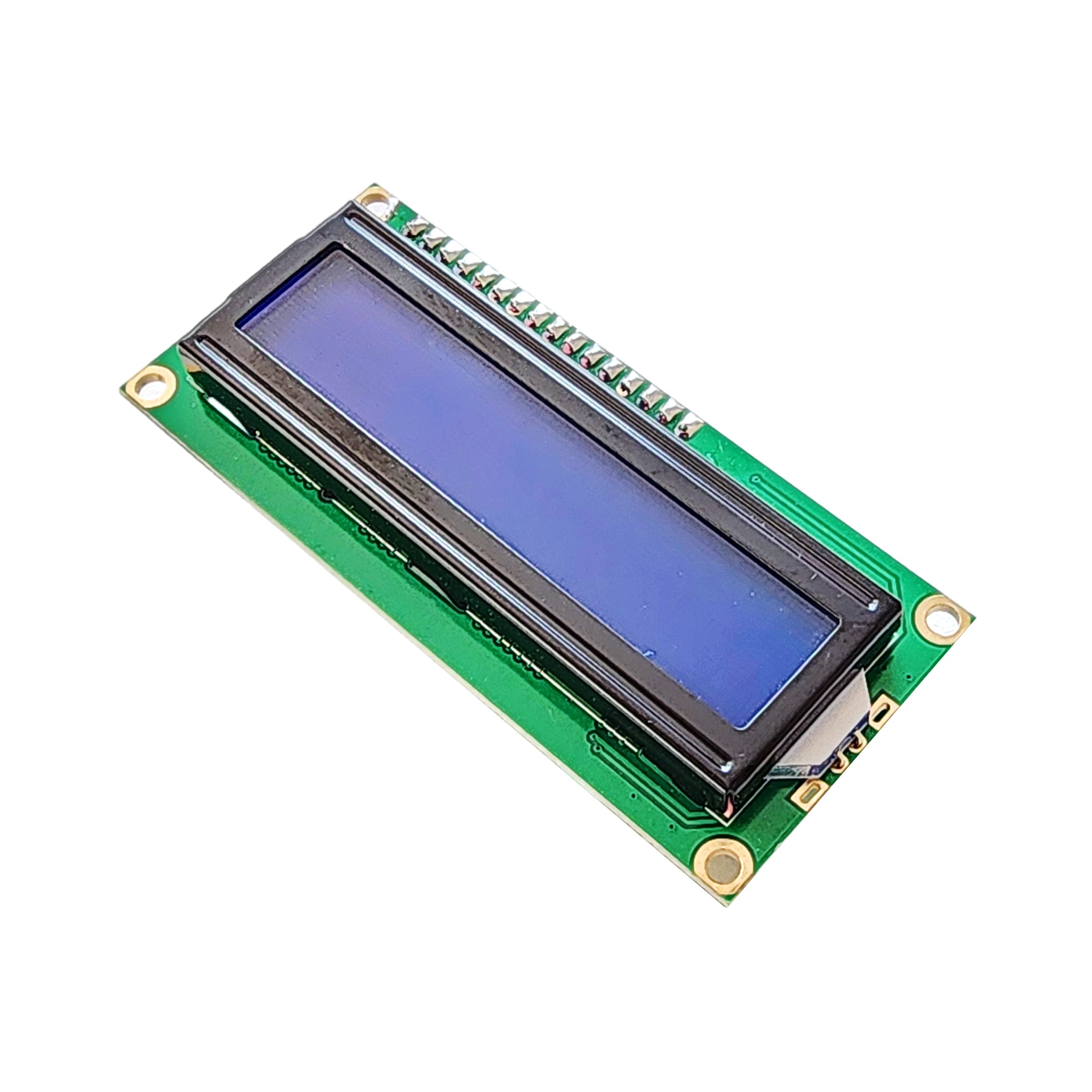
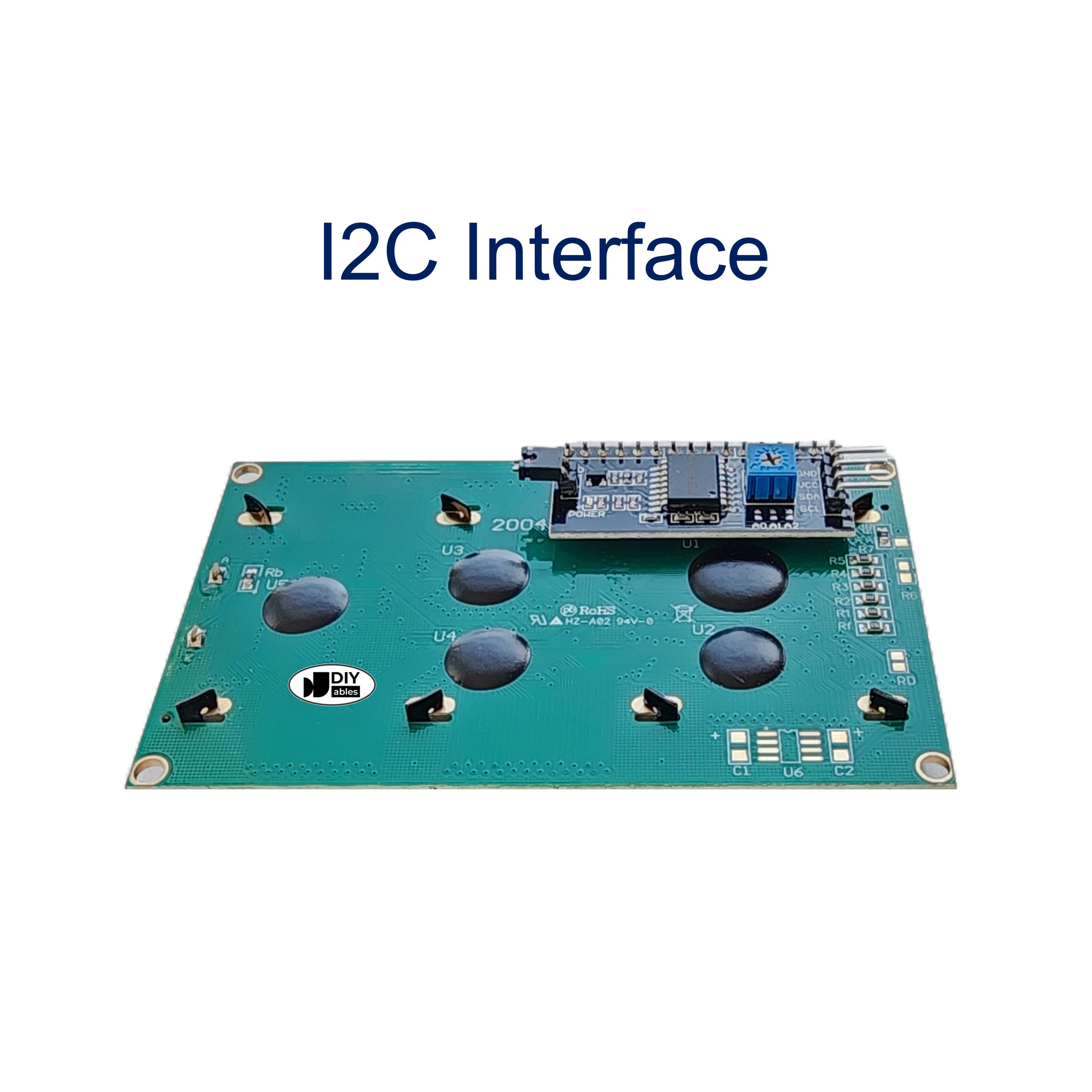
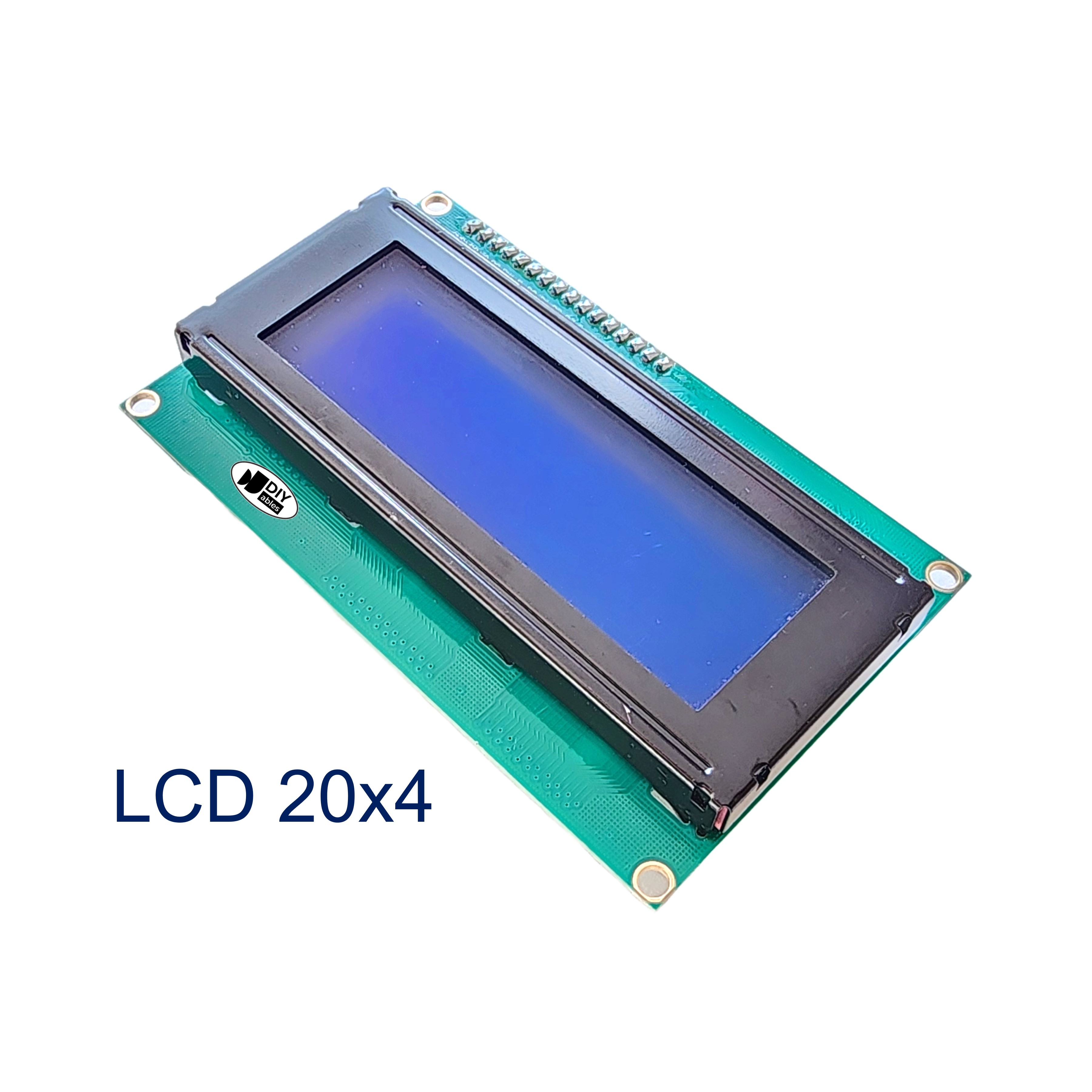
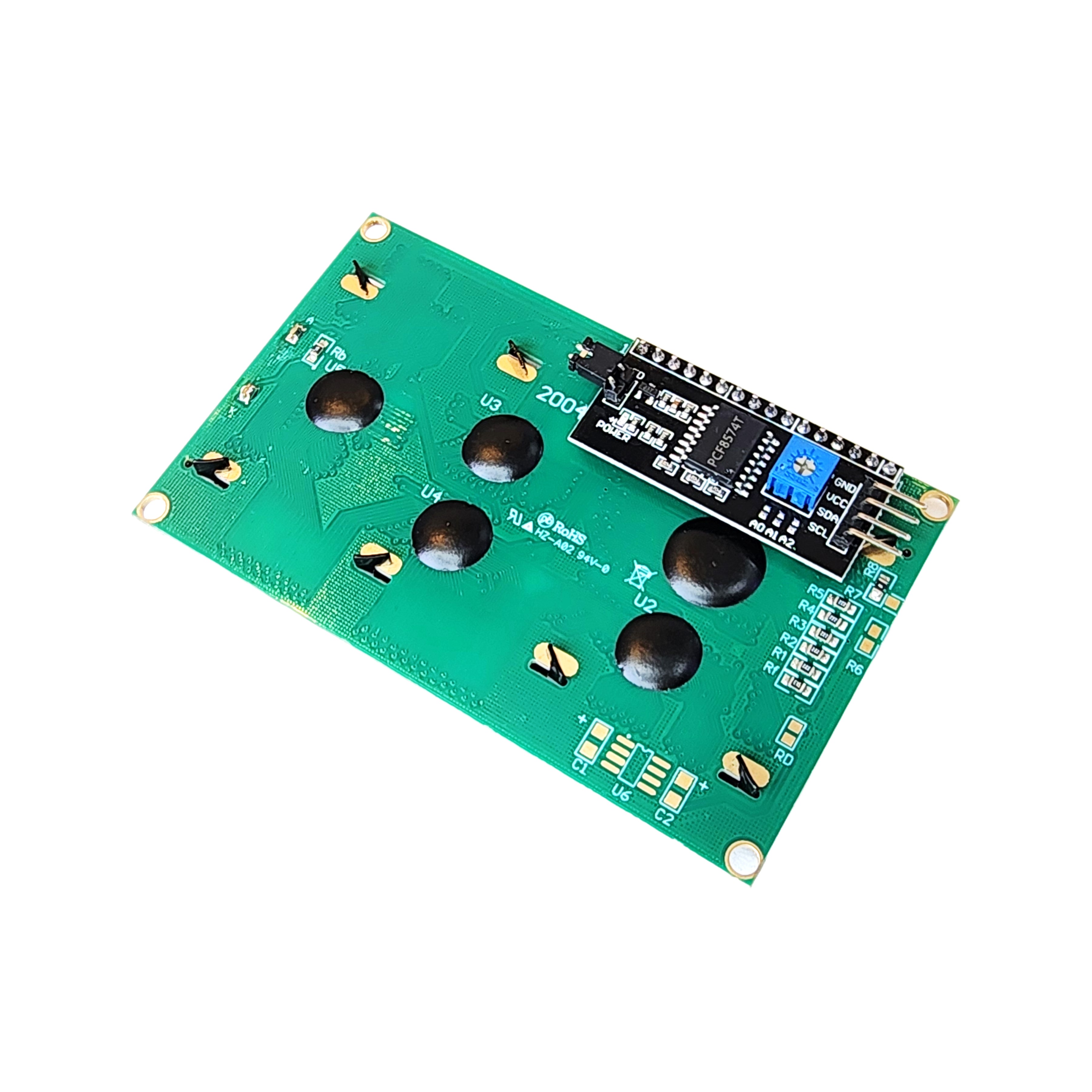
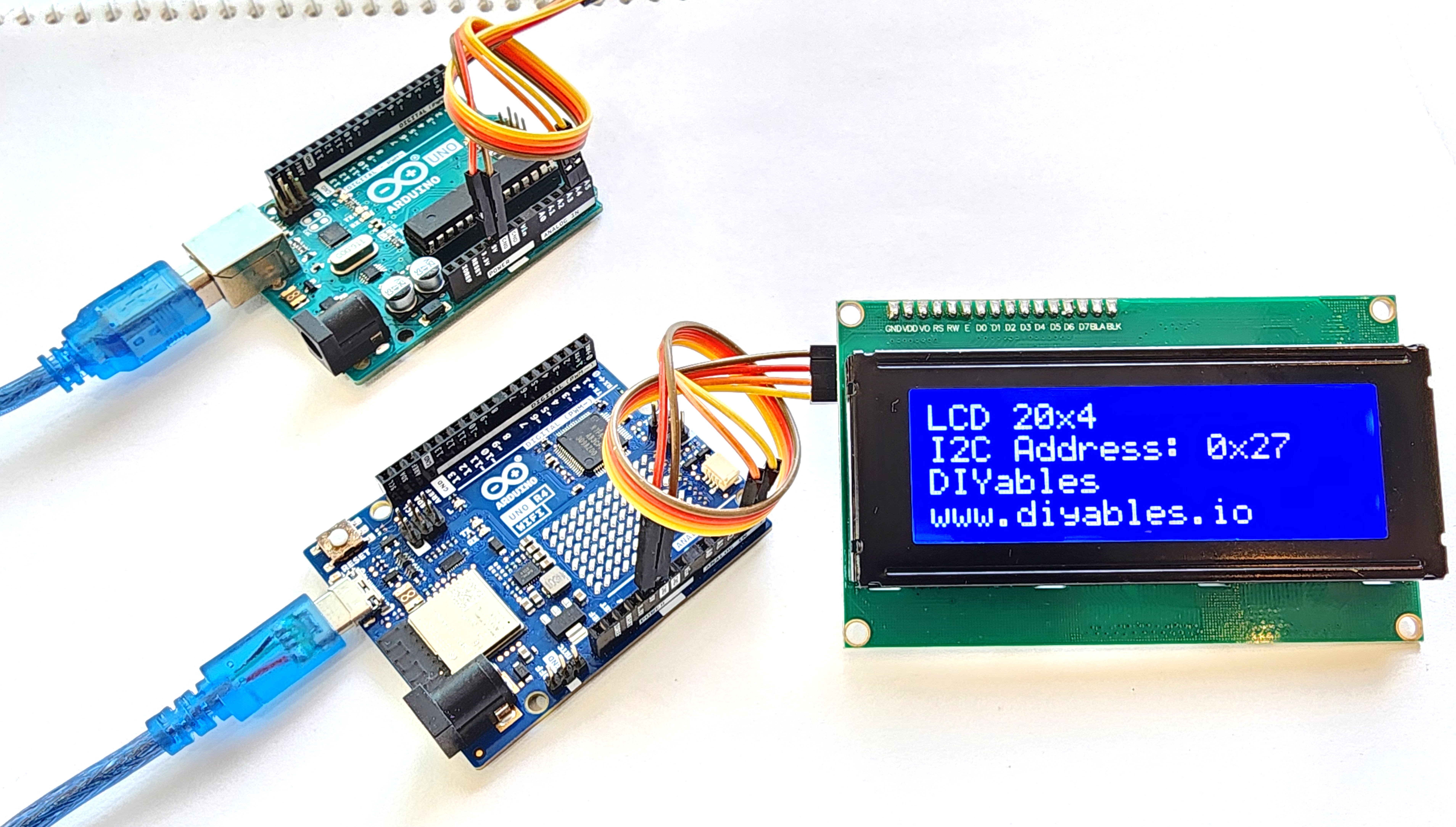
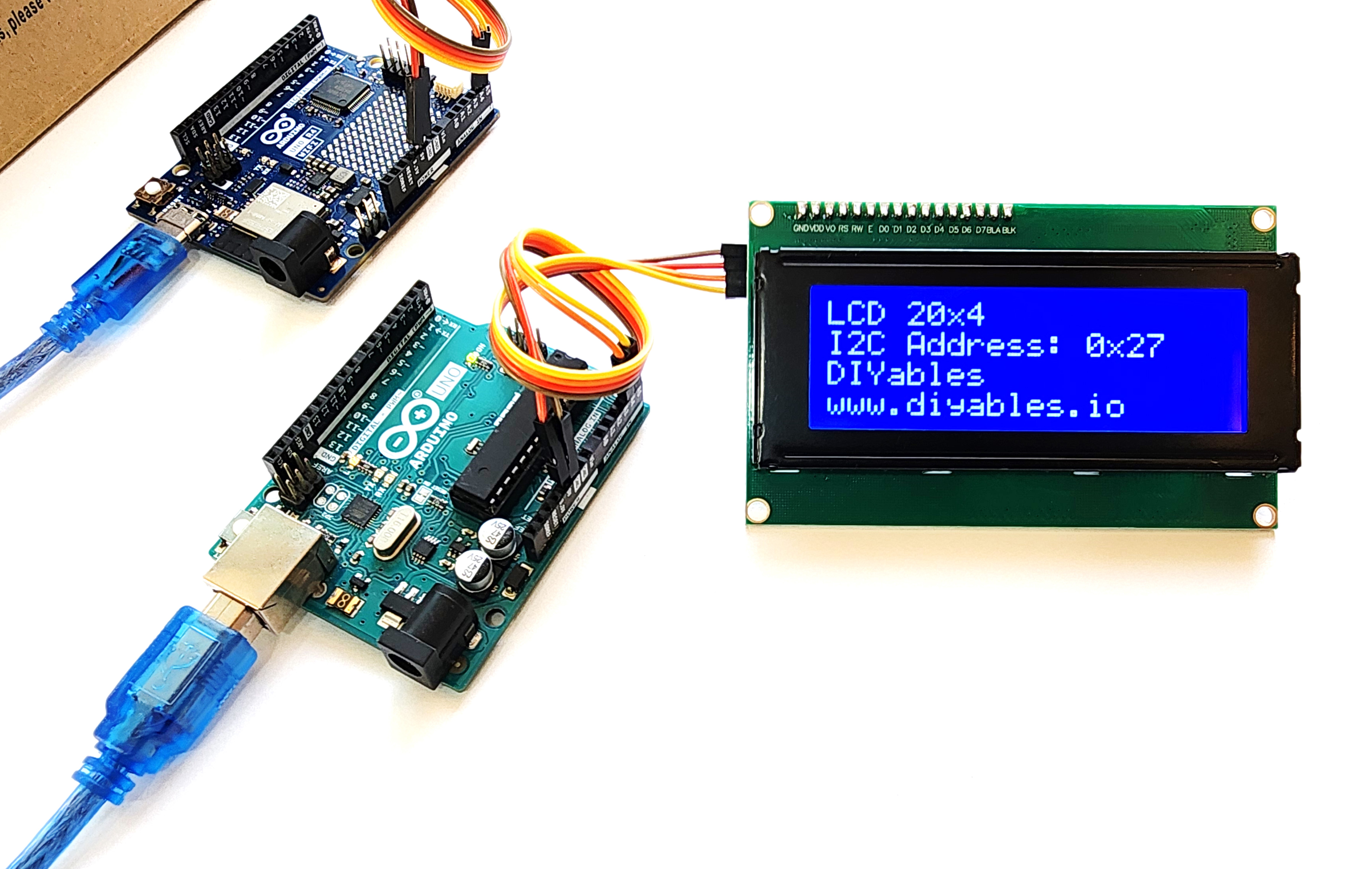
The DIYables LCD 2004 I2C 20x4 Display combines a 20-column by 4-row character LCD with a blue backlight and I2C backpack, providing 80 characters of display space over just 4 wires. The vibrant blue backlight with white characters offers excellent readability. A built-in potentiometer handles contrast adjustment, and the backlight can be turned on or off in software.
Quick Overview
| Property | Value |
|---|---|
| Display Format | 20 columns × 4 rows |
| Total Characters | 80 |
| Interface | I2C (4-wire) |
| Supply Voltage | 5V |
| Backlight | Blue with white text |
| Contrast Control | Potentiometer |
| Backlight Control | Programmable ON/OFF |
Key Features
80-Character Display
Four rows of 20 characters ideal for menus, multi-sensor dashboards, and verbose status readouts.
Blue Backlight with White Text
High-contrast white characters on blue background, easily readable in indoor conditions.
I2C — Minimal GPIO
Operates over just SDA and SCL pins (plus power), freeing digital pins for sensors and actuators.
Programmable Backlight
Call lcd.noBacklight() to save power in battery-operated or low-power modes.
Technical Specifications
| Parameter | Value |
|---|---|
| Display Type | Character LCD (2004 model) |
| Layout | 20 columns × 4 rows |
| Total Characters | 80 |
| Interface | I2C |
| Supply Voltage | 5V |
| Backlight | Blue LED, white text |
| Contrast | Potentiometer |
| Backlight Control | Software ON/OFF |
Pinout
| Pin | Label | Description |
|---|---|---|
| 1 | VCC | Power supply (5V) |
| 2 | GND | Ground |
| 3 | SDA | I2C data line |
| 4 | SCL | I2C clock line |
Getting Started
Wiring (Arduino Uno)
| LCD Pin | Arduino Pin |
|---|---|
| VCC | 5V |
| GND | GND |
| SDA | A4 |
| SCL | A5 |
Libraries
Applications
- Multi-sensor dashboards
- Menu and settings navigation
- Weather station displays
- Industrial status panels
- Home automation interfaces
- Serial debug output screens
Equivalent Boards
| Module | Key Difference |
|---|---|
| LCD 20x4 I2C (generic) | Same size, same interface — different product listing |
| LCD I2C 2004 Green/Yellow | Same size, green/yellow backlight instead of blue |
| LCD I2C 16x2 Blue | Smaller 2-row display, same I2C interface |
| OLED 128x64 | Graphical pixels, much higher resolution, no backlight |
Beginner Tutorials
Notes
- If I2C address is unknown, try 0x27 first, then 0x3F. Run an I2C scanner sketch to confirm.
- Contrast potentiometer: adjust counterclockwise if black squares appear and no text is visible.
- Use lcd.init() (not lcd.begin()) with the LiquidCrystal_I2C library.
Community
Revision History
| Version | Date | Notes |
|---|---|---|
| v1.0 | 2026-06 | Initial entry |