
LCD I2C 1602 Green/Yellow Backlight
Image Gallery
Overview
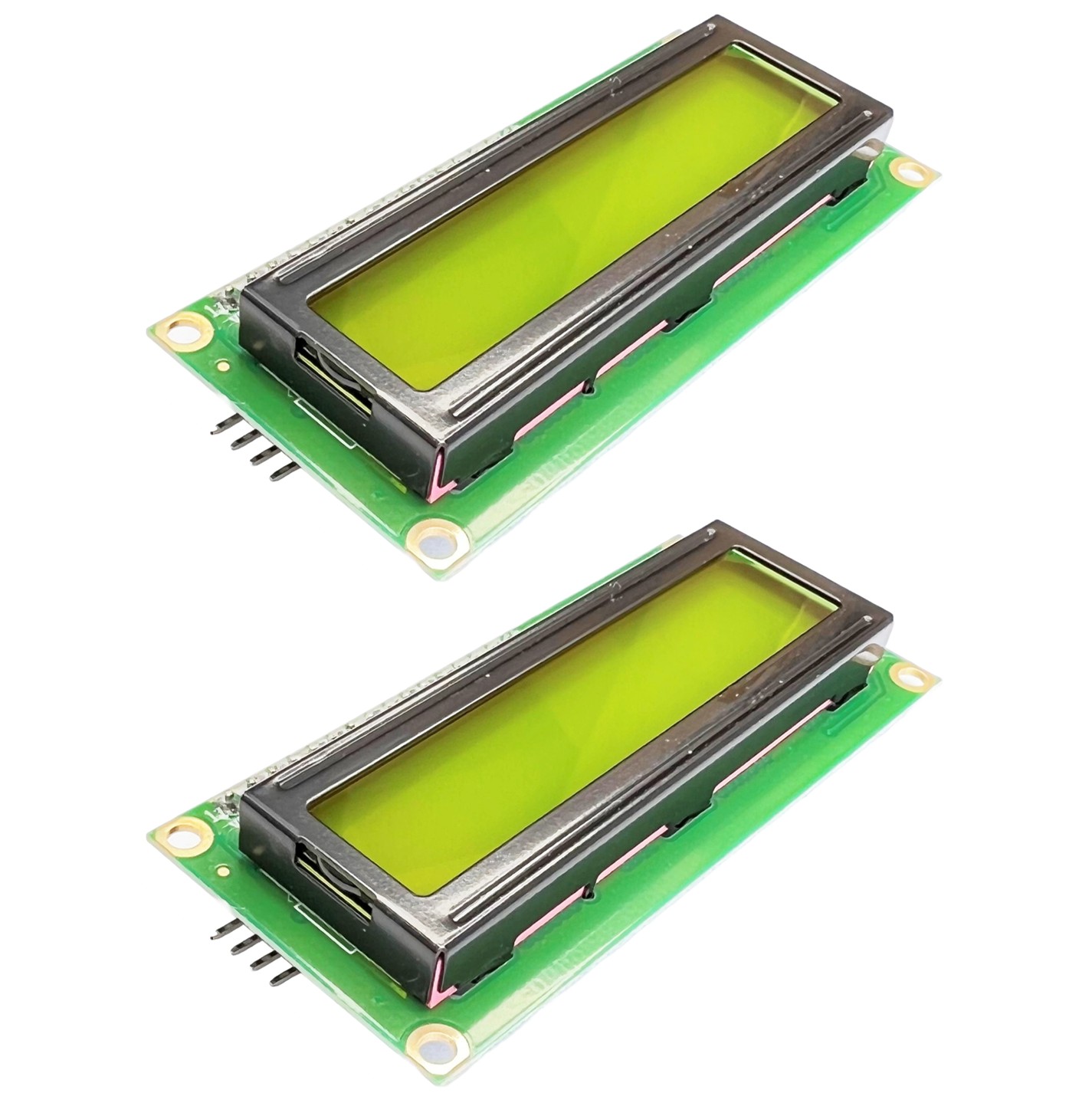
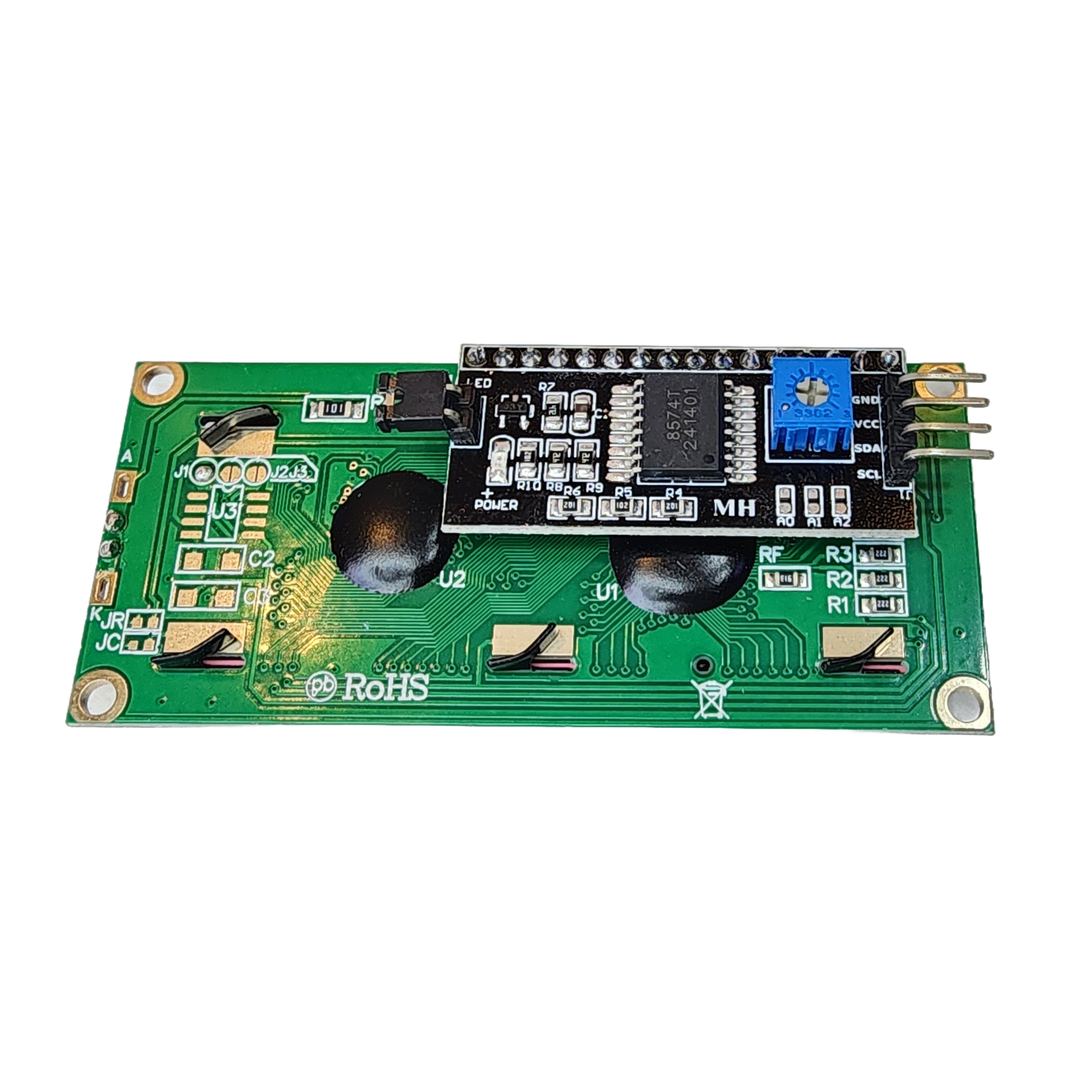
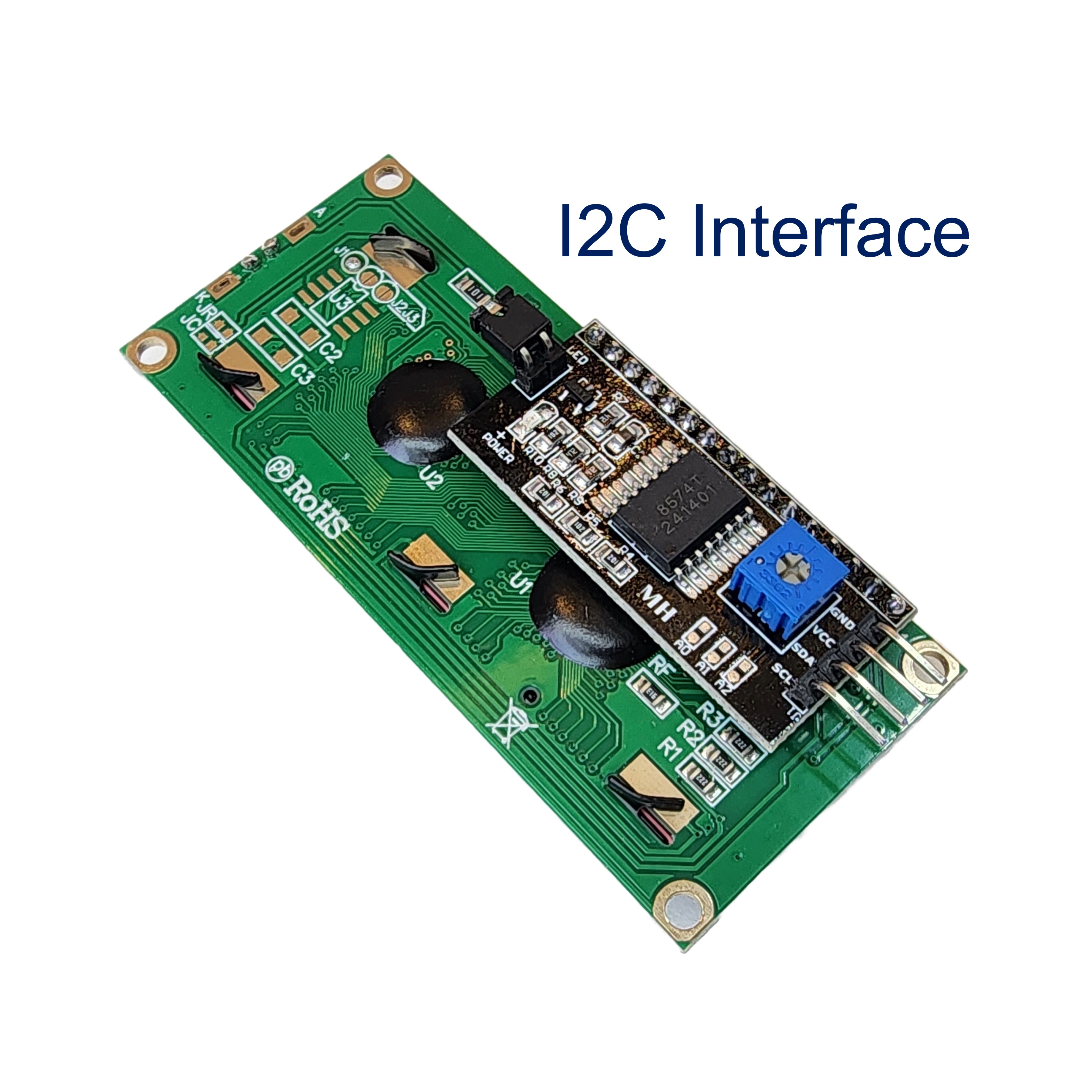
The DIYables LCD I2C 1602 Green/Yellow Backlight is a 16-character by 2-row character LCD with a green/yellow backlight and integrated I2C backpack. Four-wire I2C connection (VCC, GND, SDA, SCL) minimizes GPIO usage. Built-in contrast potentiometer and software-controlled backlight round out the feature set. Package includes 2 modules.
The green/yellow backlight has a classic, energy-efficient character that many applications associate with precision instruments and retro electronics.
Quick Overview
| Property | Value |
|---|---|
| Display Format | 16 characters × 2 rows |
| Interface | I2C |
| I2C Address | 0x27 (default) |
| Supply Voltage | 5V |
| Backlight Color | Green / Yellow |
| Contrast | Potentiometer |
| Backlight Control | Programmable ON/OFF |
| Package | 2 pieces |
Key Features
Green/Yellow Backlight
Classic green or yellow-green tint provides high contrast for character display in indoor environments.
I2C Backpack
Only 4 wires needed — same library and wiring as any other I2C LCD.
Programmable Backlight
Control backlight state in code with lcd.backlight() / lcd.noBacklight().
2-Pack Value
Two modules per package for multi-display projects or backups.
Technical Specifications
| Parameter | Value |
|---|---|
| Display Type | Character LCD (1602) |
| Layout | 16 characters × 2 rows |
| I2C Backpack IC | PCF8574 |
| Interface | I2C |
| I2C Address | 0x27 (default) |
| Supply Voltage | 5V |
| Backlight | Green/Yellow LED |
| Contrast | Potentiometer |
| Backlight Control | Software ON/OFF |
| Package | 2 pieces |
Pinout
| Pin | Label | Description |
|---|---|---|
| 1 | VCC | Power supply (5V) |
| 2 | GND | Ground |
| 3 | SDA | I2C data line |
| 4 | SCL | I2C clock line |
Getting Started
Wiring (Arduino Uno / Nano)
| LCD Pin | Arduino Pin |
|---|---|
| VCC | 5V |
| GND | GND |
| SDA | A4 |
| SCL | A5 |
Libraries
Applications
- Sensor readouts
- Status displays
- Menu systems
- Timer and counter displays
- Educational projects
- Retro-style instrument panels
Equivalent Boards
| Module | Key Difference |
|---|---|
| LCD I2C 16x2 Blue Background | Same size and interface, blue backlight |
| LCD I2C 2004 Green/Yellow | Same backlight color, larger 20x4 display |
| 1602A LCD Blue Screen (Parallel) | Same display, parallel interface |
Beginner Tutorials
Notes
- Default I2C address is 0x27. Run an I2C scanner sketch to confirm if it does not respond.
- Contrast: turn the potentiometer counterclockwise if only black squares appear on the top row.
- Both modules in the 2-pack share address 0x27 — do not run both on the same I2C bus without changing the address of one.
Community
Revision History
| Version | Date | Notes |
|---|---|---|
| v1.0 | 2026-06 | Initial entry |