
LCD I2C 16x2
Image Gallery
Overview
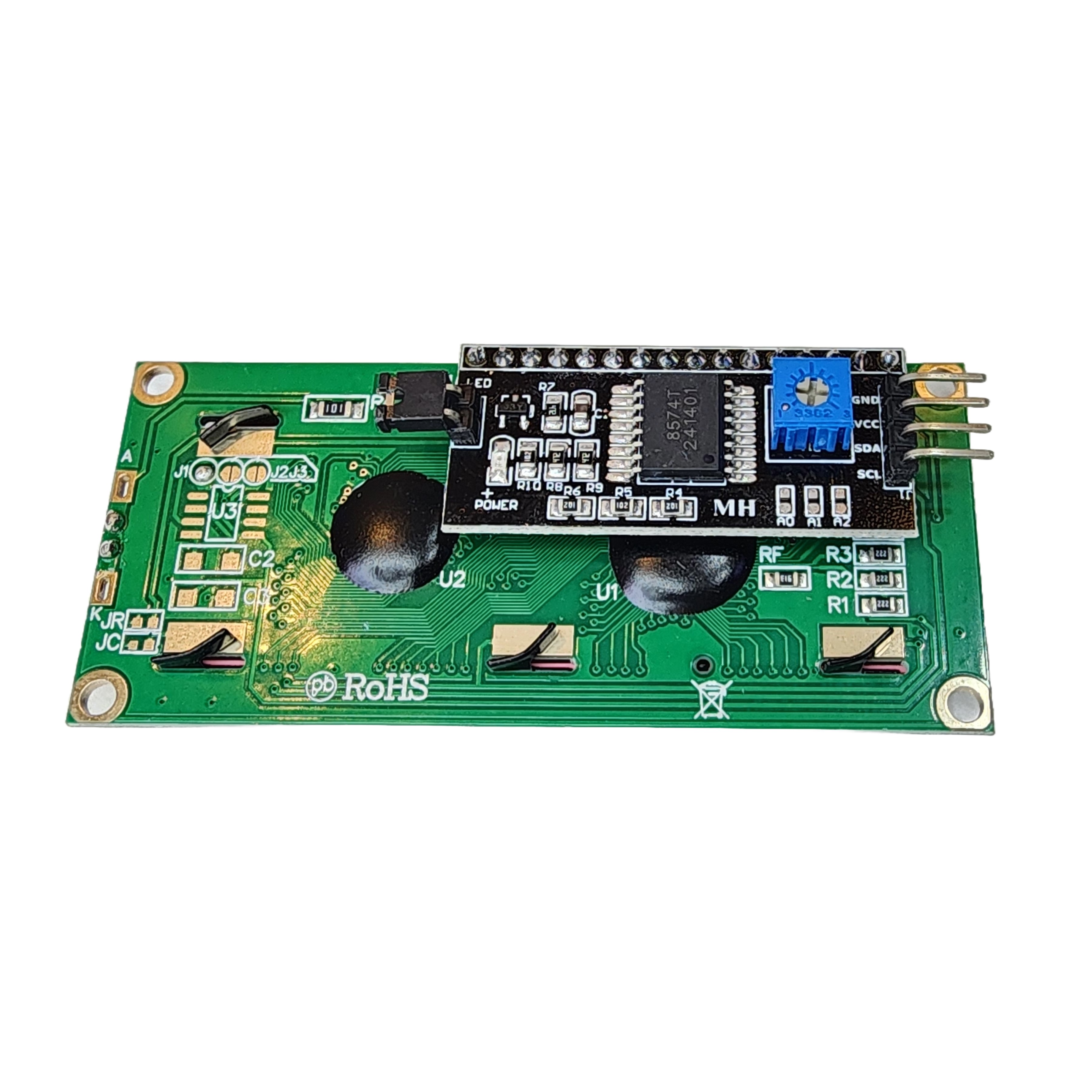
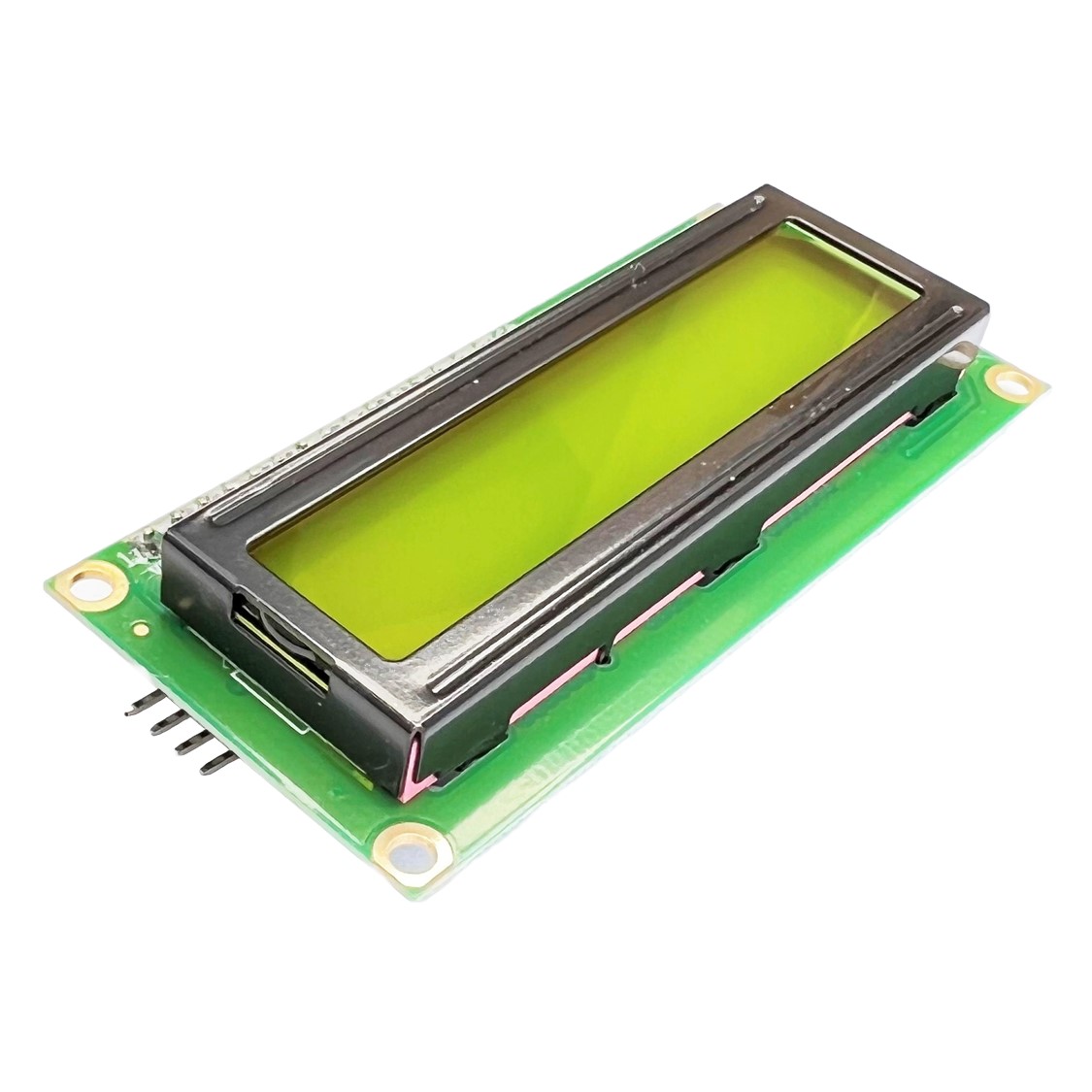
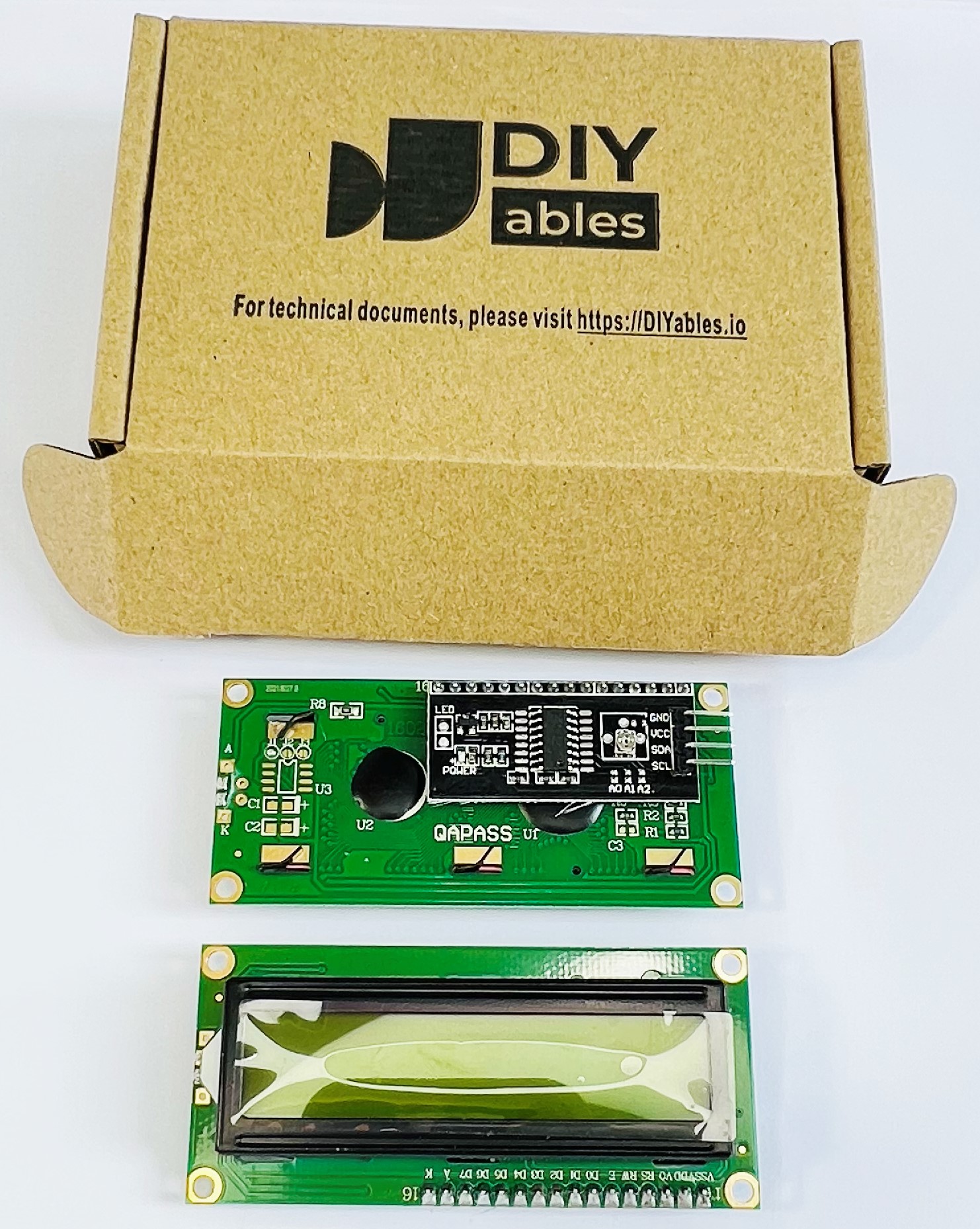
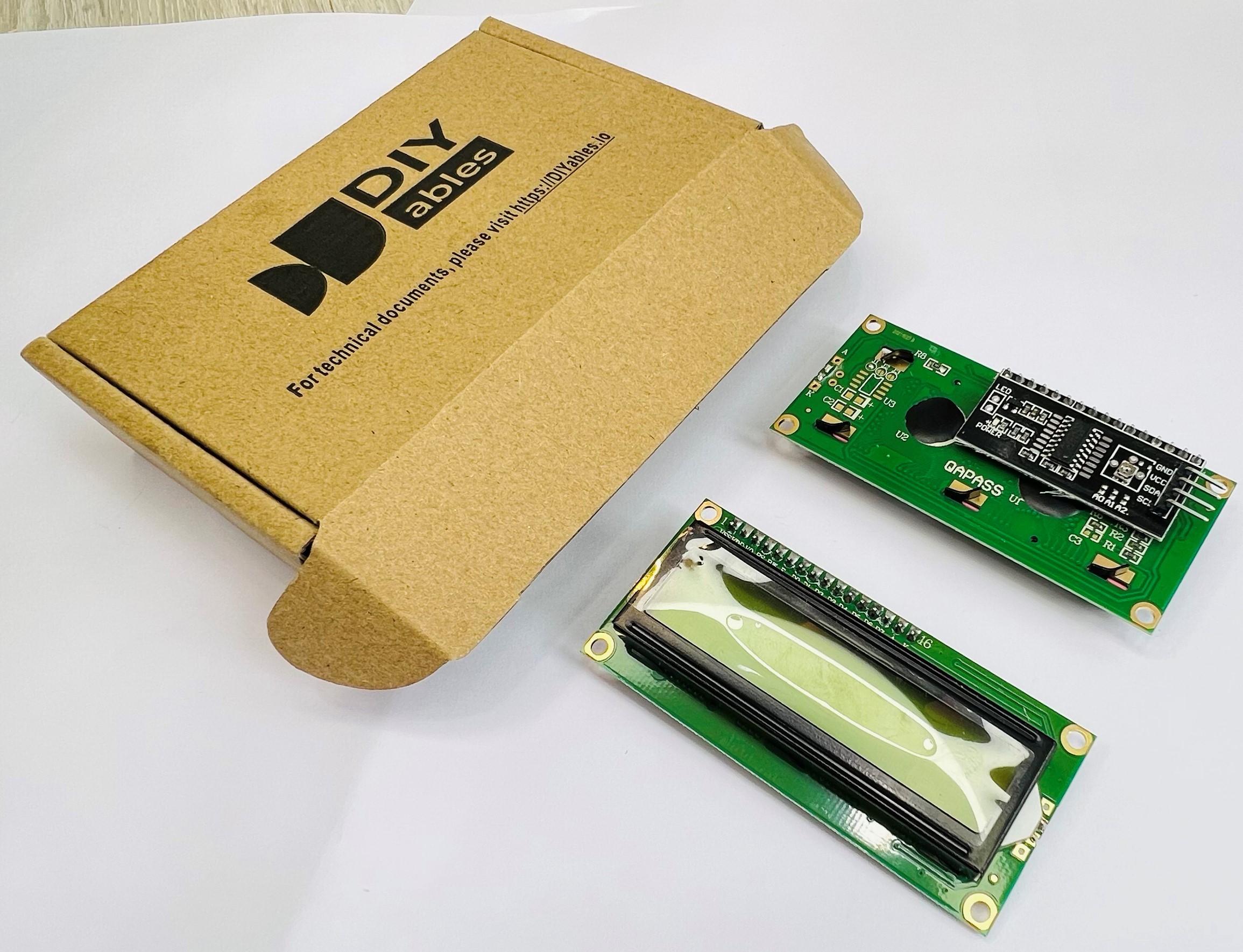
The DIYables LCD I2C 16x2 is a 16-character by 2-row character display with an integrated I2C backpack, requiring only four wires (VCC, GND, SDA, SCL) to connect. The I2C expander converts the parallel HD44780 interface to a 2-wire serial bus, freeing up GPIO pins on the host microcontroller. Package includes 2 modules.
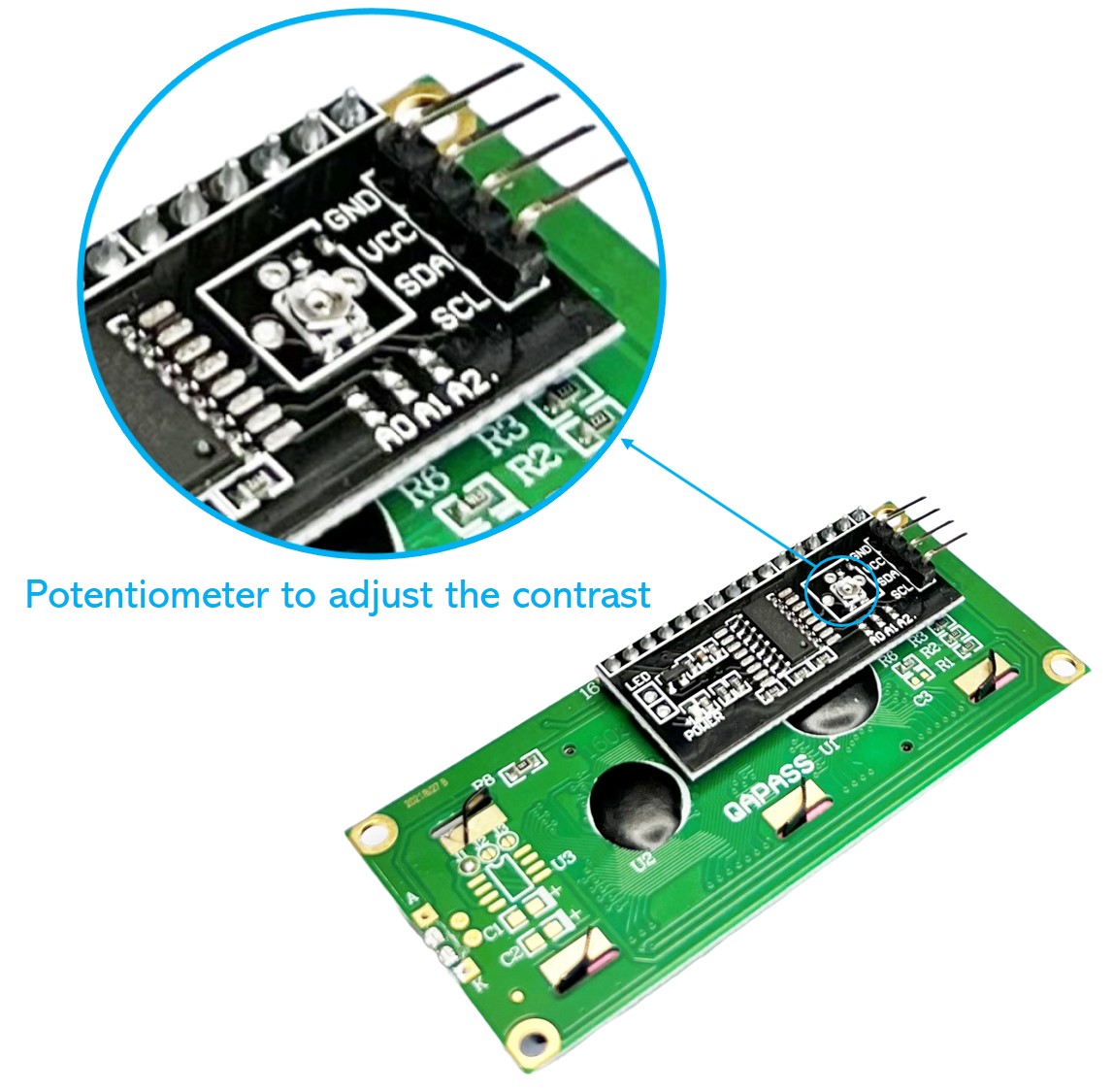
The module features a built-in contrast potentiometer and software-controlled backlight via the I2C backpack. Default I2C address is 0x27.
Quick Overview
| Property | Value |
|---|---|
| Display Format | 16 characters × 2 rows |
| Interface | I2C |
| I2C Address | 0x27 (default) |
| Supply Voltage | 5V |
| Contrast | Potentiometer-adjustable |
| Backlight Control | Programmable ON/OFF |
| Dimensions | 78mm × 34mm × 13mm |
| Package | 2 pieces |
Key Features
4-Wire I2C Connection
VCC, GND, SDA, and SCL are all that is needed — no parallel data bus wiring.
Software-Controlled Backlight
Turn the backlight on or off in code using lcd.backlight() / lcd.noBacklight().
Adjustable Contrast
Small potentiometer on the I2C backpack trims the display contrast.
Configurable I2C Address
The PCF8574 backpack supports address changes via solder jumpers (A0, A1, A2) for bus sharing.
Technical Specifications
| Parameter | Value |
|---|---|
| Display Type | Character LCD |
| Layout | 16 characters × 2 rows |
| Interface | I2C |
| I2C Backpack IC | PCF8574 |
| I2C Address | 0x27 (default) |
| Supply Voltage | 5V |
| Contrast | Potentiometer |
| Backlight Control | Software ON/OFF |
| Dimensions | 78mm × 34mm × 13mm |
| Package | 2 pieces |
Pinout
| Pin | Label | Description |
|---|---|---|
| 1 | VCC | Power supply (5V) |
| 2 | GND | Ground |
| 3 | SDA | I2C data line |
| 4 | SCL | I2C clock line |
Power
Requires 5V on VCC. The HD44780 LCD and backlight both operate at 5V. For 3.3V microcontrollers (ESP32, ESP8266), the I2C lines can operate at 3.3V if the module has onboard pull-ups, but powering the module itself still requires 5V.
Getting Started
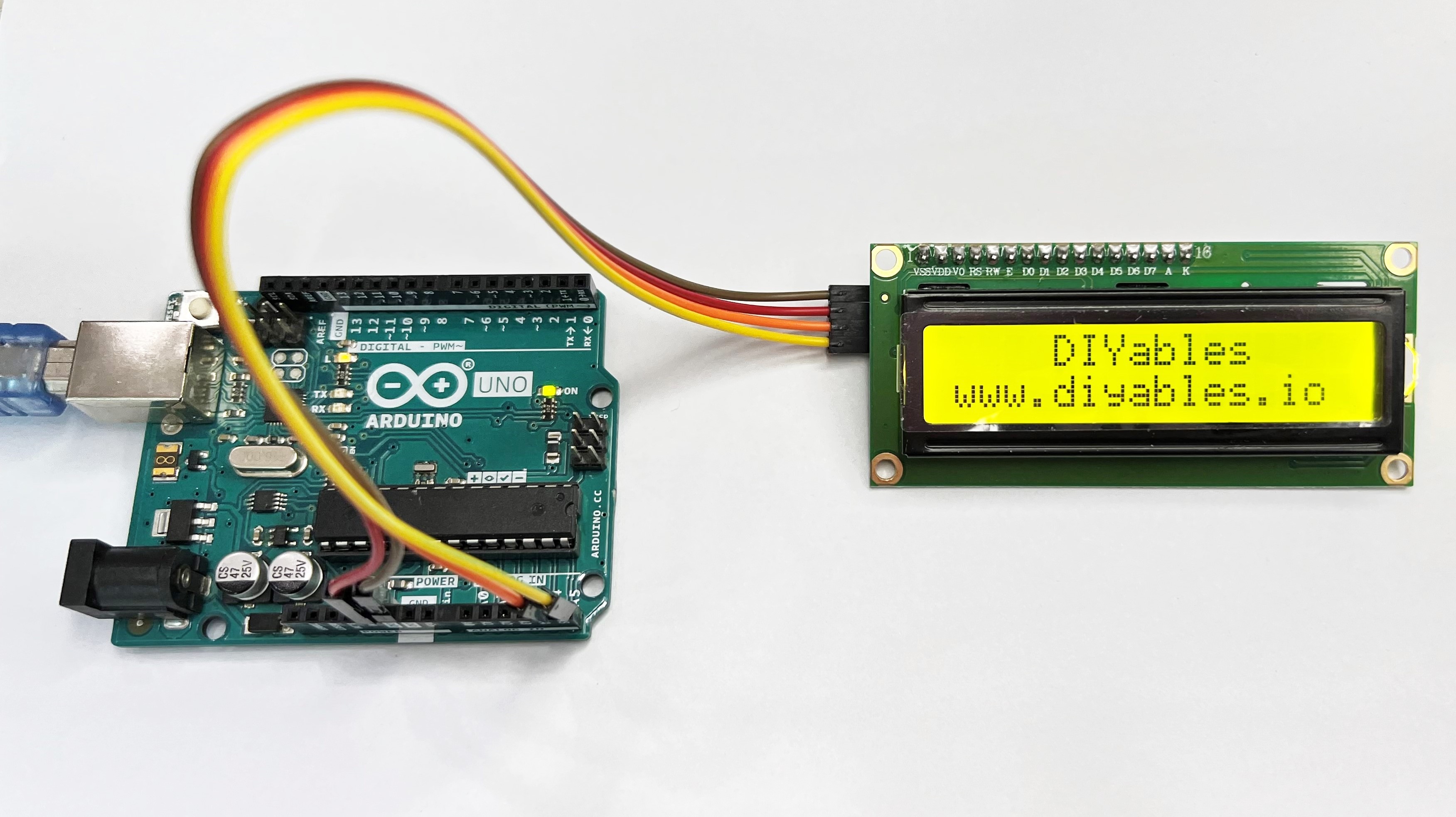
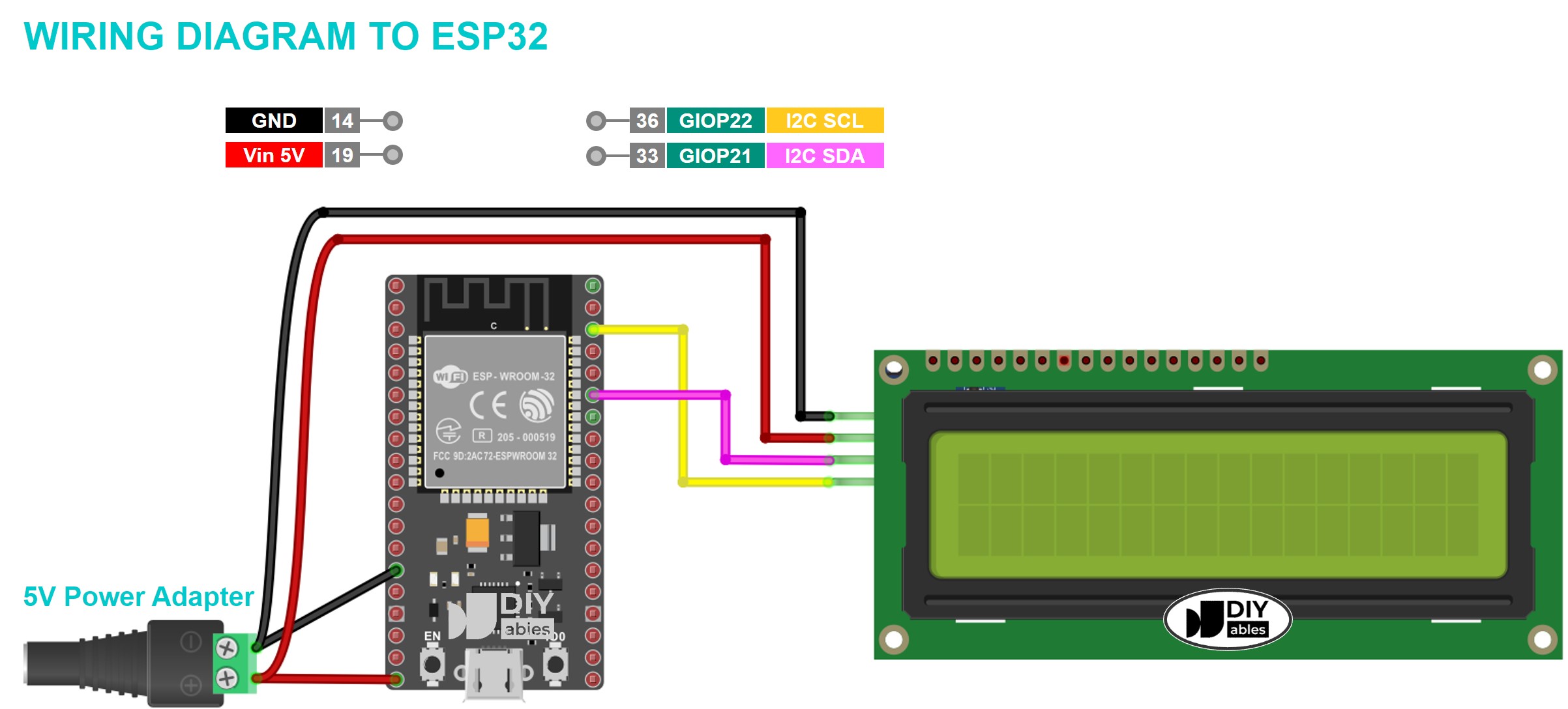
Wiring (Arduino Uno / Nano)
| LCD Pin | Arduino Pin |
|---|---|
| VCC | 5V |
| GND | GND |
| SDA | A4 |
| SCL | A5 |
Libraries
Applications
- Sensor and measurement displays
- Menu navigation systems
- Status and diagnostic screens
- IoT dashboards
- Countdown timers
- Educational electronics projects
Equivalent Boards
| Module | Key Difference |
|---|---|
| 1602A LCD Blue Screen | Same display, parallel interface — needs 6+ GPIO pins |
| LCD I2C 16x2 Blue Background | Same specs, blue backlight color variant |
| LCD I2C 1602 Green/Yellow | Same specs, green/yellow backlight |
| LCD 20x4 I2C | Same I2C interface, 4 rows of 20 characters |
Beginner Tutorials
Notes
- If the display shows black squares, adjust the contrast potentiometer on the backpack.
- The most common issue is an incorrect I2C address. Run an I2C scanner sketch to find the actual address.
- Up to 8 LCD modules can share one I2C bus by changing A0/A1/A2 solder jumpers.
- Call lcd.backlight() in setup() each time — backlight state is not preserved across power cycles.
Community
Revision History
| Version | Date | Notes |
|---|---|---|
| v1.0 | 2026-06 | Initial entry |