
LCD I2C 16x2 Blue Background
Image Gallery
Overview
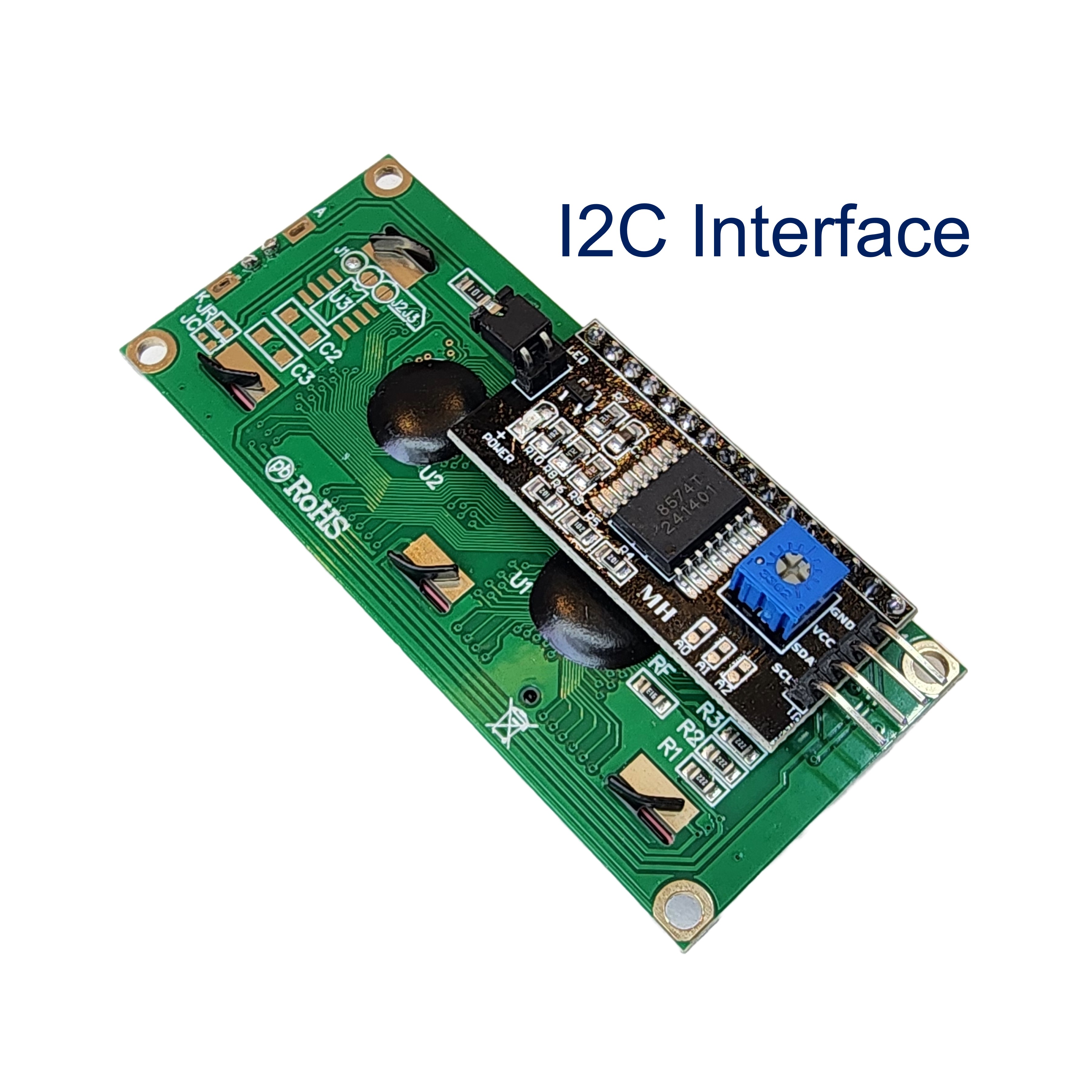
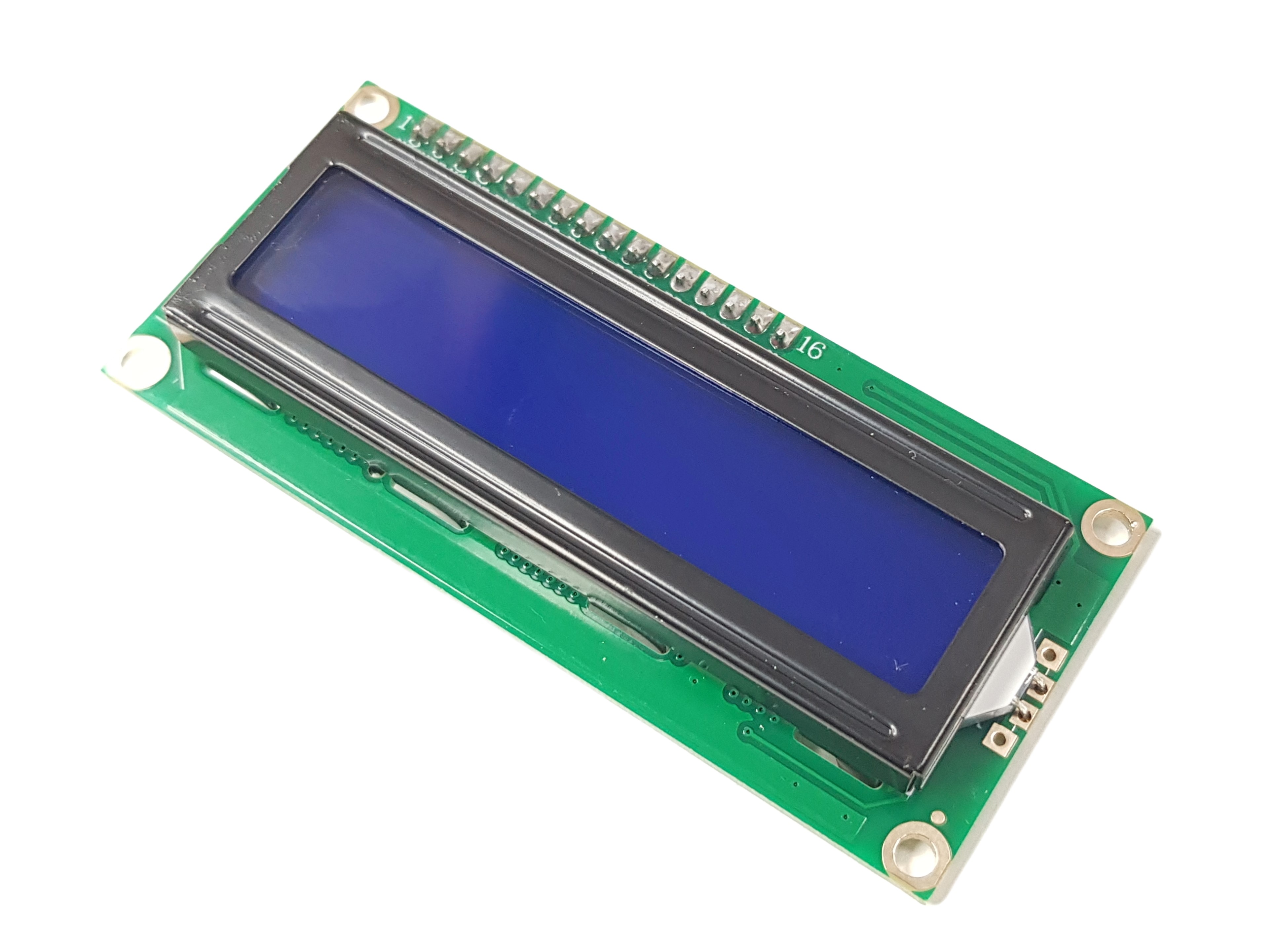
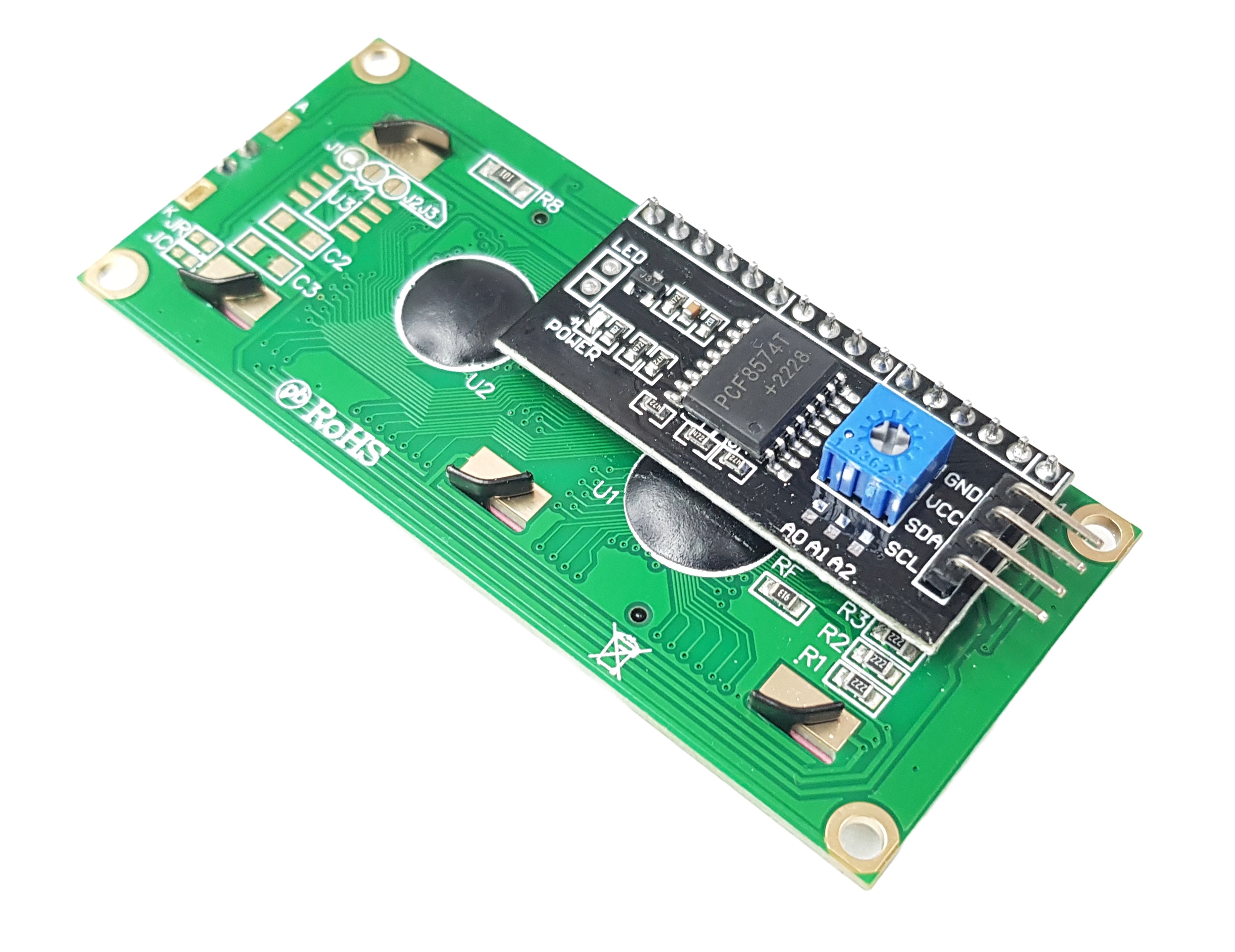
The DIYables LCD I2C 16x2 Blue Background is a 16-character by 2-row character LCD with a blue backlight and integrated I2C backpack. Only four wires (VCC, GND, SDA, SCL) are needed for connection, with a default I2C address of 0x27. Built-in contrast potentiometer and software-controlled backlight make it versatile for both constant-on and power-managed projects. Package includes 2 modules. Dimensions: 78mm × 34mm × 13mm.
Quick Overview
| Property | Value |
|---|---|
| Display Format | 16 characters × 2 rows |
| Background Color | Blue |
| Interface | I2C |
| I2C Address | 0x27 |
| Supply Voltage | 5V |
| Contrast | Potentiometer |
| Backlight Control | Programmable ON/OFF |
| Dimensions | 78mm × 34mm × 13mm |
| Package | 2 pieces |
Key Features
Blue Backlight
Blue background with white or yellow-green characters provides high contrast for indoor applications.
I2C — 4-Wire Connection
Only VCC, GND, SDA, and SCL needed. Frees up GPIO pins vs. parallel LCD wiring.
Programmable Backlight
Toggle backlight on or off in code for power management.
Adjustable Contrast
Onboard potentiometer fine-tunes the LCD contrast.
Technical Specifications
| Parameter | Value |
|---|---|
| Display Type | Character LCD |
| Layout | 16 characters × 2 rows |
| I2C Backpack IC | PCF8574 |
| Interface | I2C |
| I2C Address | 0x27 |
| Supply Voltage | 5V |
| Background Color | Blue |
| Contrast | Potentiometer |
| Backlight Control | Software ON/OFF |
| Dimensions | 78mm × 34mm × 13mm |
| Package | 2 pieces |
Pinout
| Pin | Label | Description |
|---|---|---|
| 1 | VCC | Power supply (5V) |
| 2 | GND | Ground |
| 3 | SDA | I2C data line |
| 4 | SCL | I2C clock line |
Getting Started
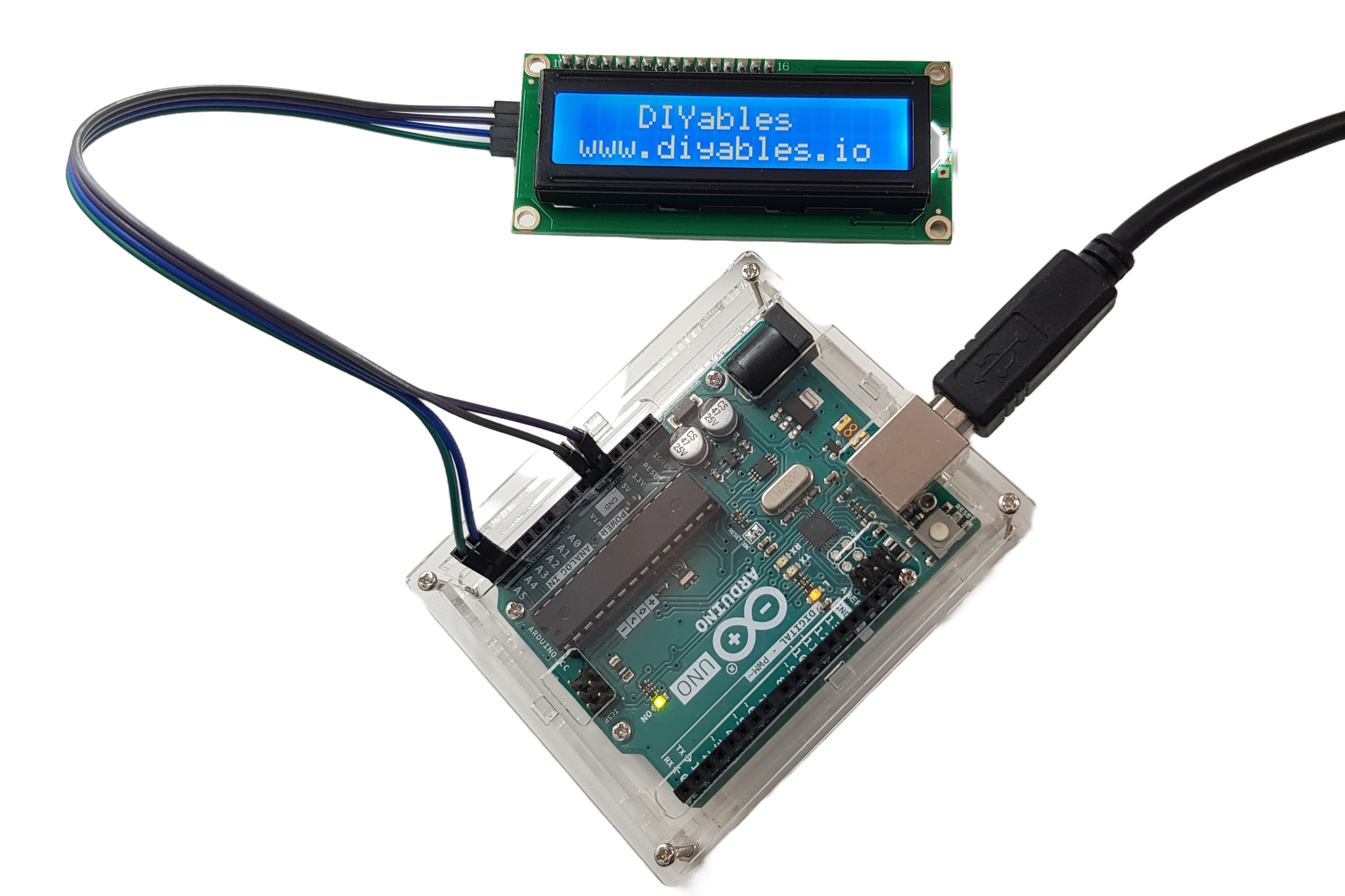
Wiring (Arduino Uno / Nano)
| LCD Pin | Arduino Pin |
|---|---|
| VCC | 5V |
| GND | GND |
| SDA | A4 |
| SCL | A5 |
Libraries
Applications
- Sensor readouts and data displays
- Menu navigation
- Status indicators
- IoT dashboards
- Timer and counter displays
- Educational projects
Equivalent Boards
| Module | Key Difference |
|---|---|
| LCD I2C 16x2 | Same specs, default blue — this specific product |
| LCD I2C 1602 Green/Yellow | Same size and interface, green/yellow backlight |
| 1602A Blue Screen (Parallel) | Same display, parallel interface — needs more GPIO pins |
| LCD 20x4 I2C | Same I2C interface, 4 rows of 20 characters |
Beginner Tutorials
Notes
- Default address is 0x27. If it does not respond, try 0x3F or run an I2C scanner sketch.
- Contrast: turn the potentiometer counterclockwise if only black squares are visible on the top row.
- The lcd.init() function (not lcd.begin()) is required when using the LiquidCrystal_I2C library.
Community
Revision History
| Version | Date | Notes |
|---|---|---|
| v1.0 | 2026-06 | Initial entry |