
LCD I2C 2004 Green/Yellow Backlight
Image Gallery
Overview
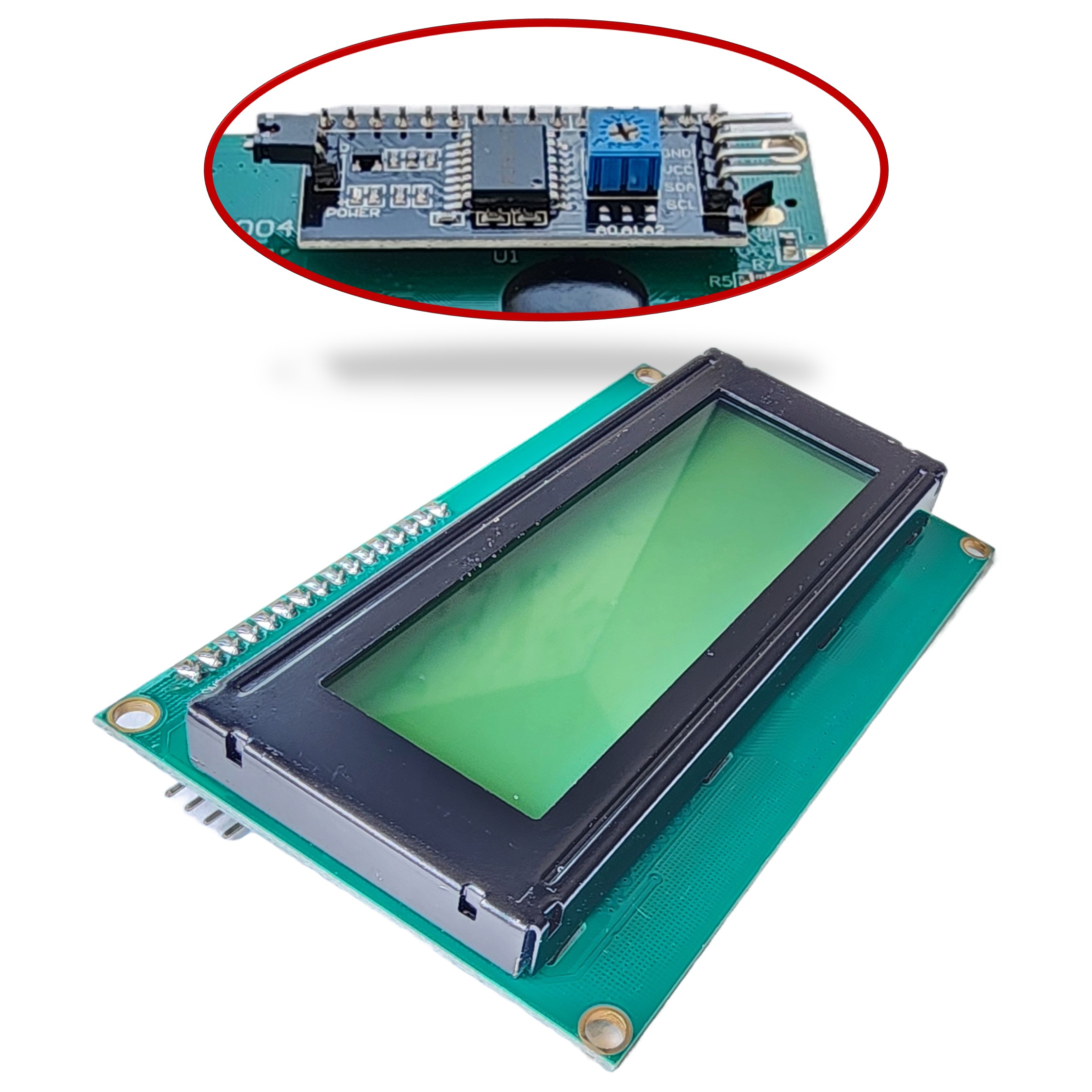
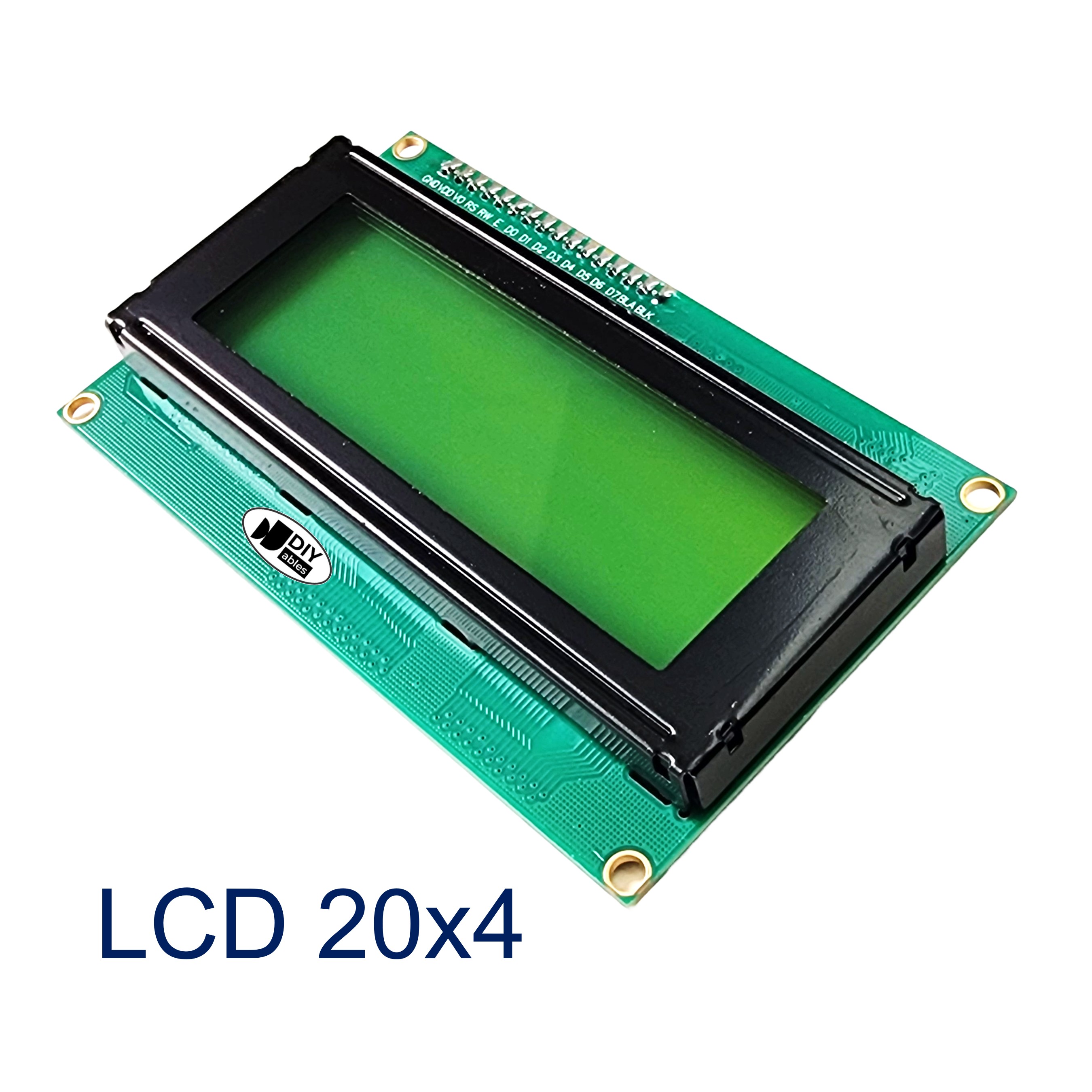
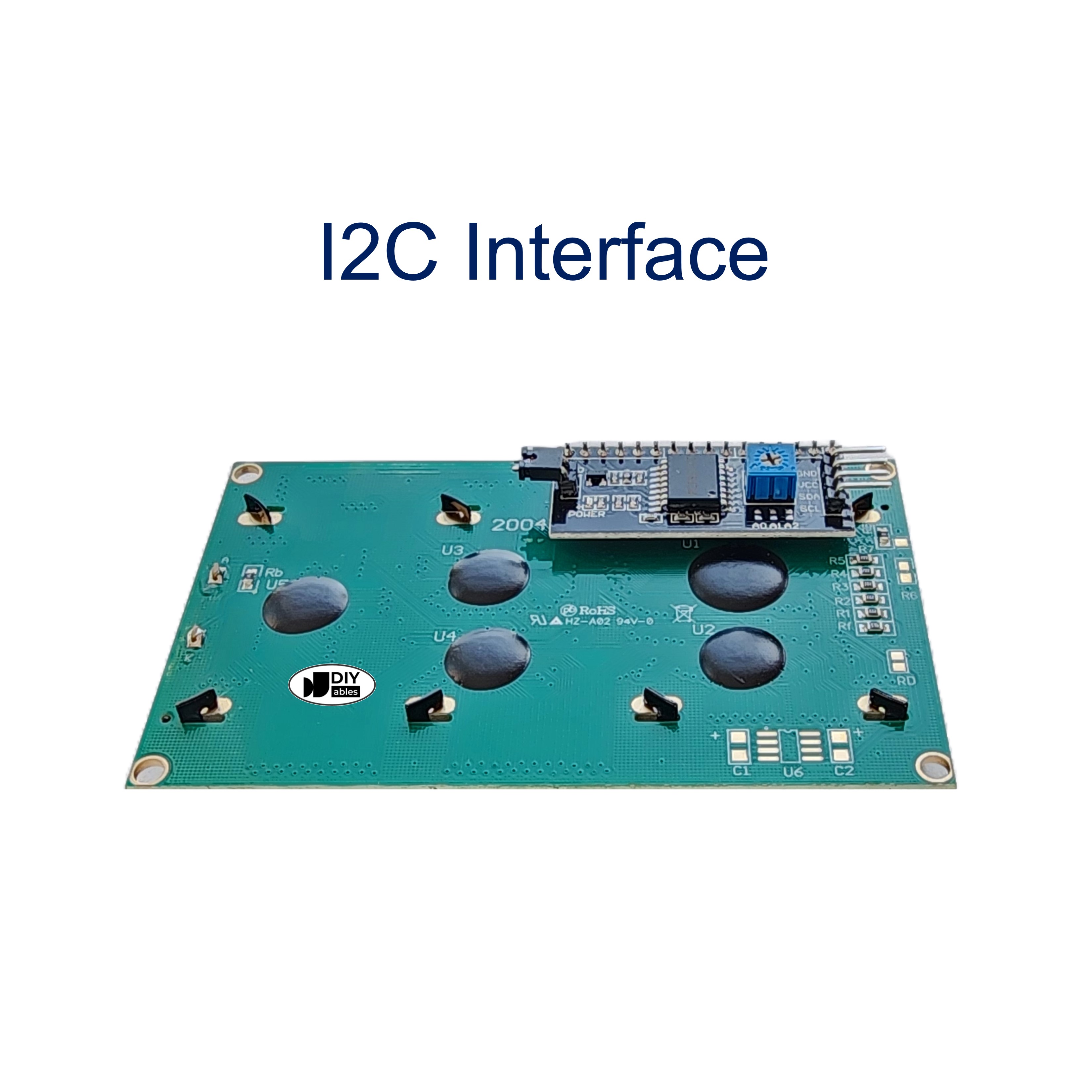
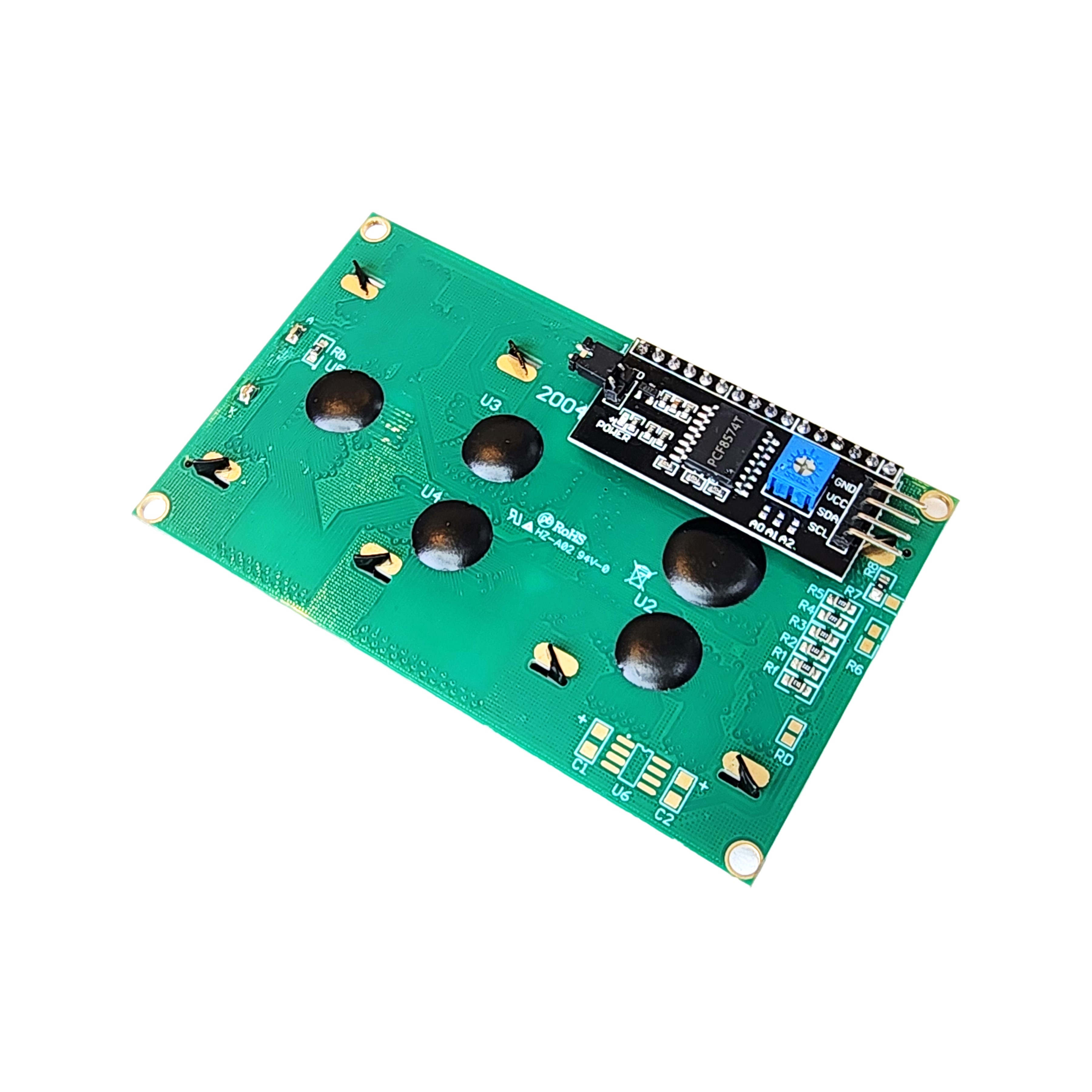
The DIYables LCD I2C 2004 Green/Yellow Backlight is a 20-column by 4-row character LCD with a distinctive green/yellow backlight and I2C interface. With 80 total characters across four rows, it provides ample space for menus, sensor dashboards, and status messages. Connection requires only four wires (VCC, GND, SDA, SCL), and the backlight can be toggled in software for power management.
Quick Overview
| Property | Value |
|---|---|
| Display Format | 20 columns × 4 rows |
| Total Characters | 80 |
| Interface | I2C (4-wire) |
| Supply Voltage | 5V |
| Backlight Color | Green / Yellow |
| Contrast Control | Potentiometer |
| Backlight Control | Programmable ON/OFF |
Key Features
Green/Yellow Backlight
Classic retro-style green or yellow-green tinted backlight — high contrast for many indoor applications.
80-Character Capacity
Four rows × 20 columns provide extensive display space for verbose readouts and multi-line menus.
I2C Interface
Only SDA and SCL needed beyond power — leaves digital GPIO pins free.
Programmable Backlight
Toggle off for power saving; call lcd.noBacklight() in code.
Technical Specifications
| Parameter | Value |
|---|---|
| Display Type | Character LCD (2004) |
| Layout | 20 columns × 4 rows |
| Total Characters | 80 |
| Interface | I2C |
| Supply Voltage | 5V |
| Backlight | Green/Yellow LED |
| Contrast | Potentiometer |
| Backlight Control | Software ON/OFF |
Pinout
| Pin | Label | Description |
|---|---|---|
| 1 | VCC | Power supply (5V) |
| 2 | GND | Ground |
| 3 | SDA | I2C data line |
| 4 | SCL | I2C clock line |
Getting Started
Wiring (Arduino Uno)
| LCD Pin | Arduino Pin |
|---|---|
| VCC | 5V |
| GND | GND |
| SDA | A4 |
| SCL | A5 |
Libraries
Applications
- Multi-sensor displays
- Menu navigation systems
- Industrial control panels
- IoT dashboards
- Home automation status screens
- Environmental monitoring
Equivalent Boards
| Module | Key Difference |
|---|---|
| LCD 2004 I2C Blue Backlight | Same size and interface, blue backlight |
| LCD I2C 1602 Green/Yellow | Same backlight color, smaller 2-row display |
| LCD 20x4 I2C | Generic equivalent listing |
| OLED 128x64 | Graphical pixel-based display, monochrome, self-luminous |
Beginner Tutorials
Notes
- Default I2C address is typically 0x27. Check with an I2C scanner if it does not respond.
- Adjust contrast potentiometer if black squares appear — turn counterclockwise.
- Some 2004 modules use address 0x3F; try both if 0x27 fails.
Community
Revision History
| Version | Date | Notes |
|---|---|---|
| v1.0 | 2026-06 | Initial entry |