
LCD Keypad Shield for Arduino Uno, Mega
Image Gallery
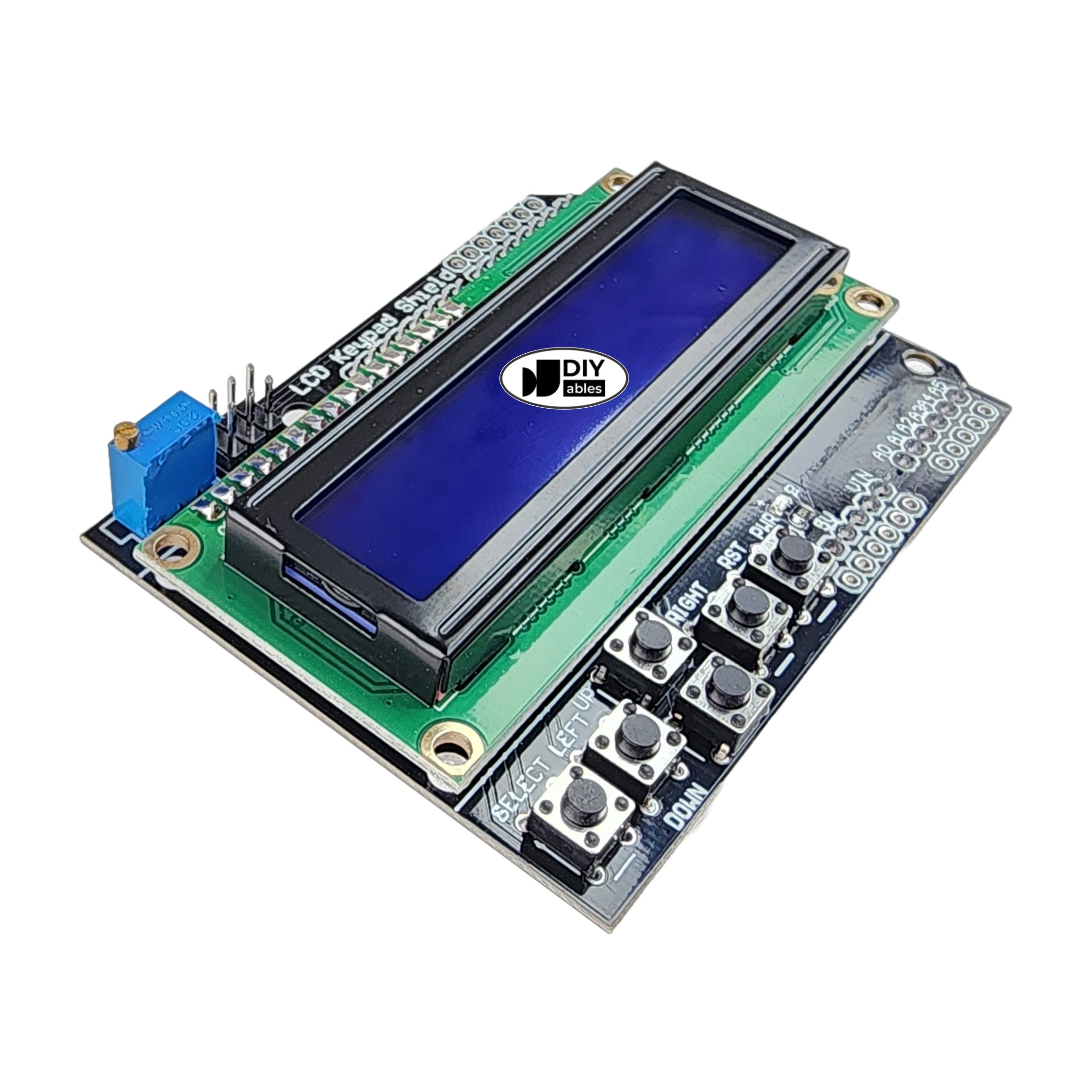
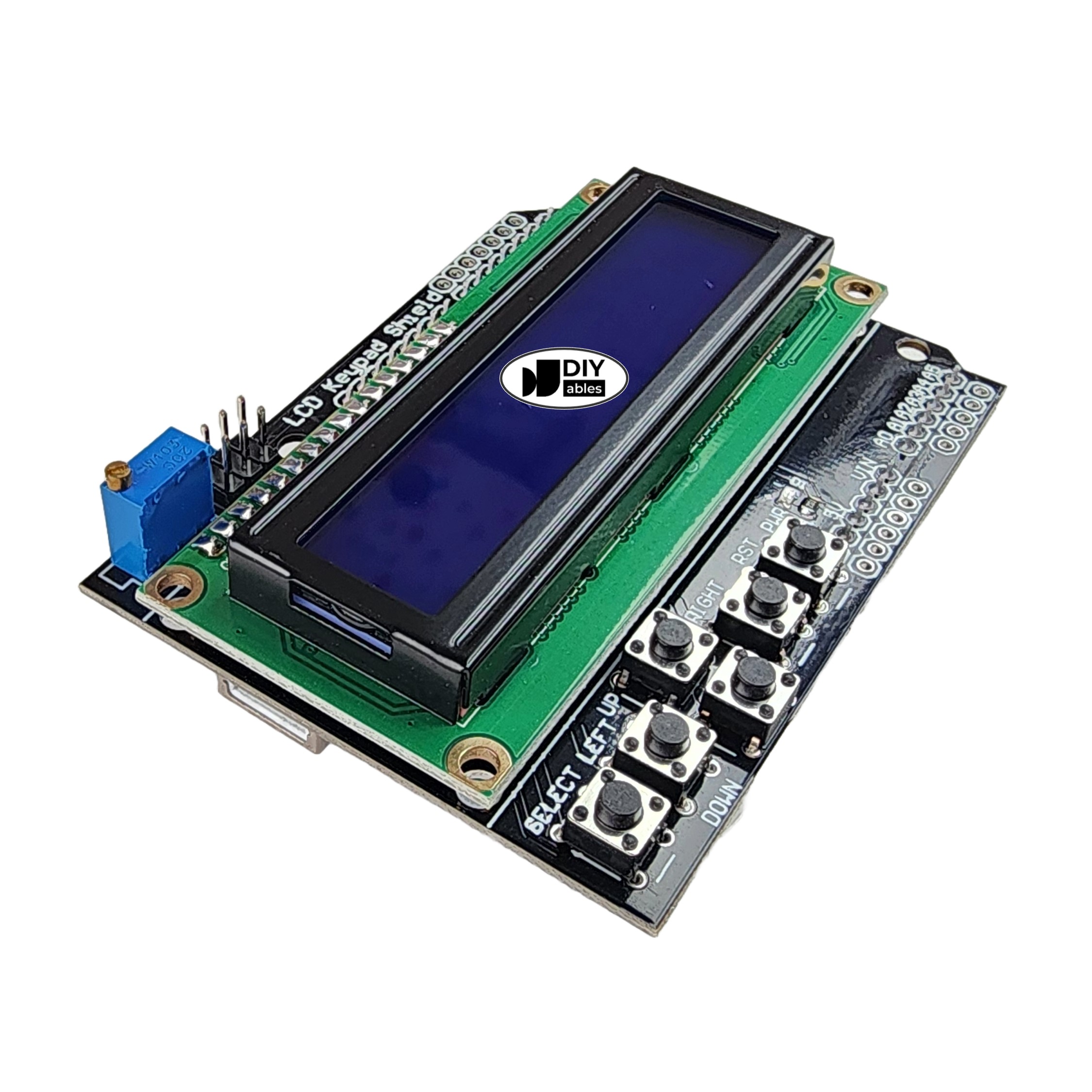
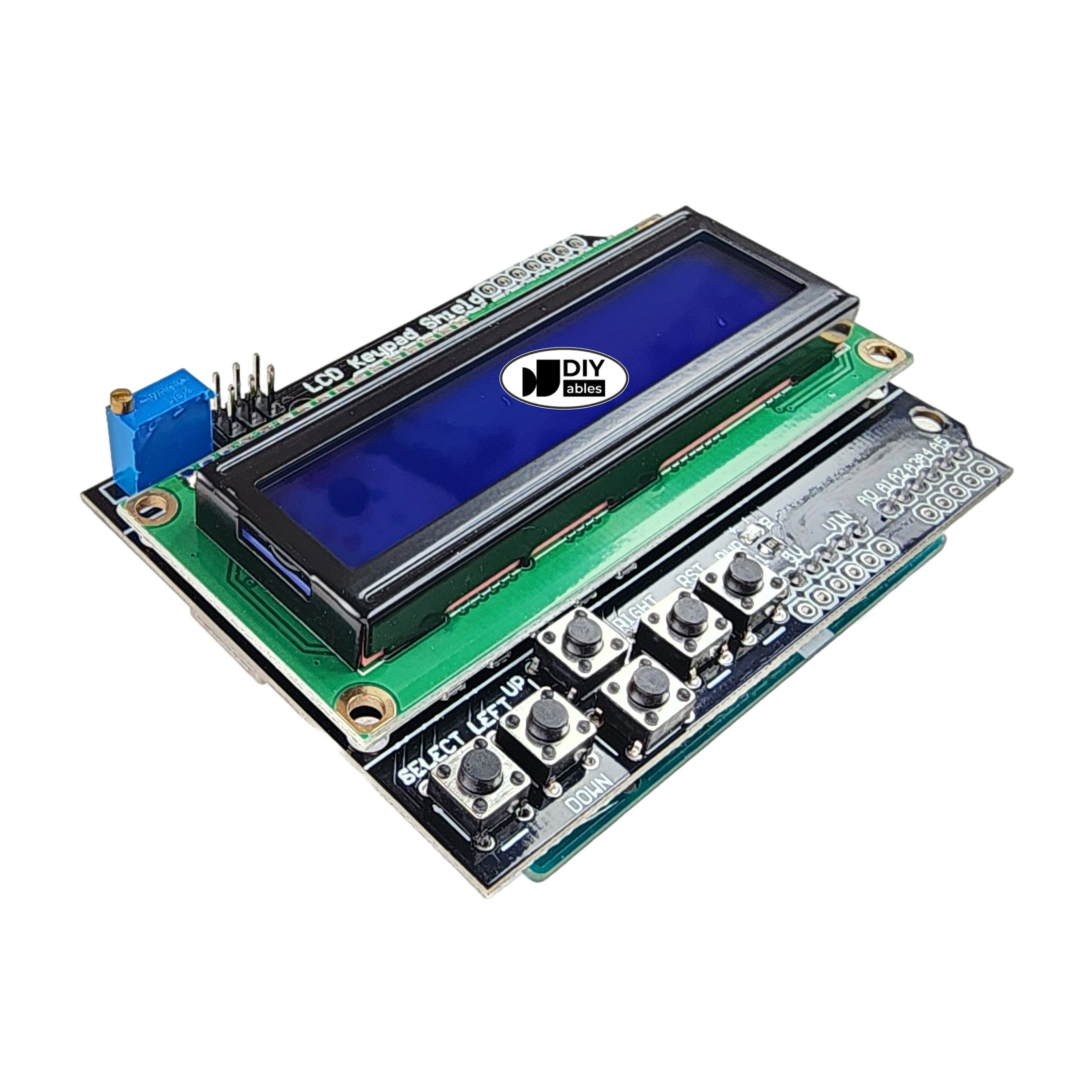
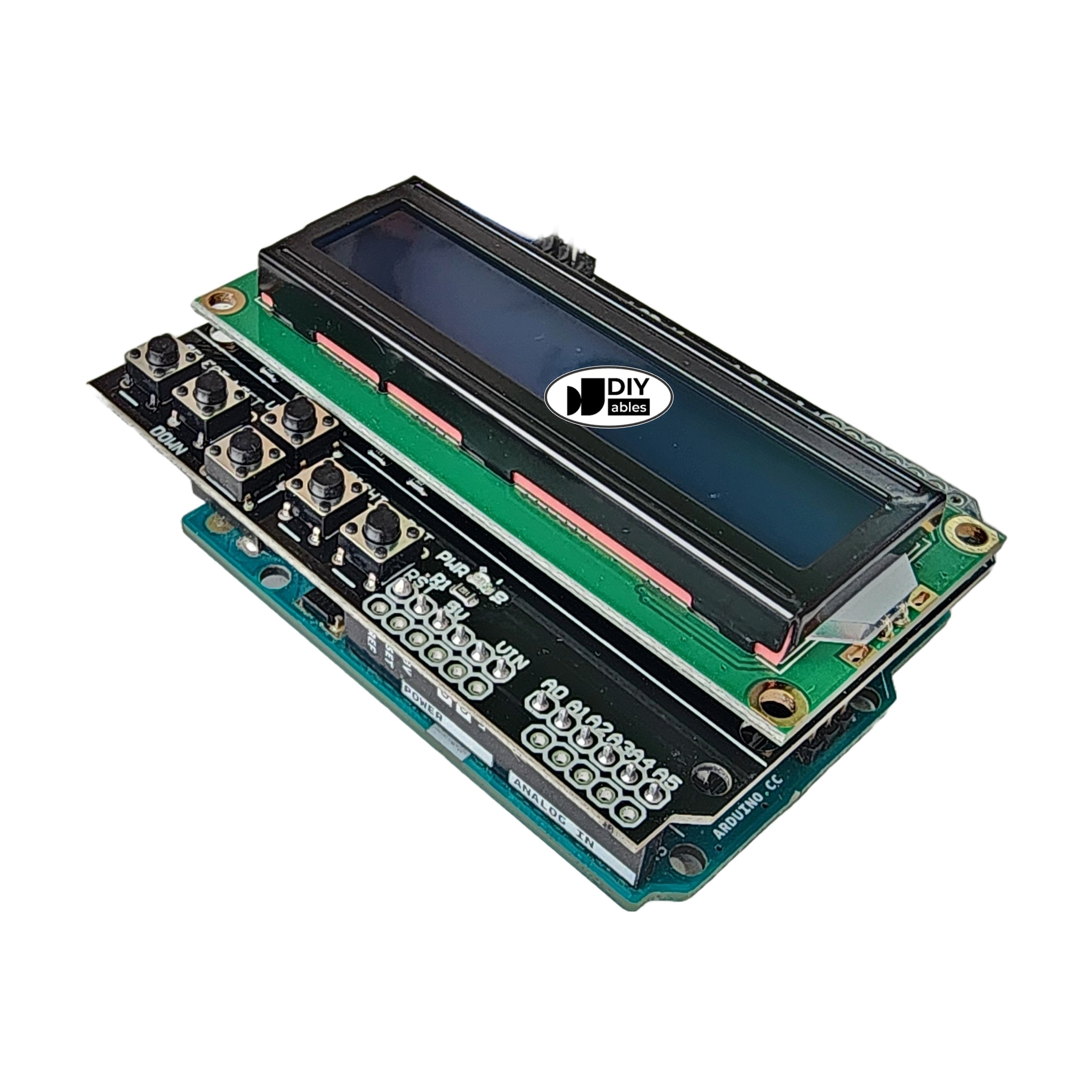
Overview
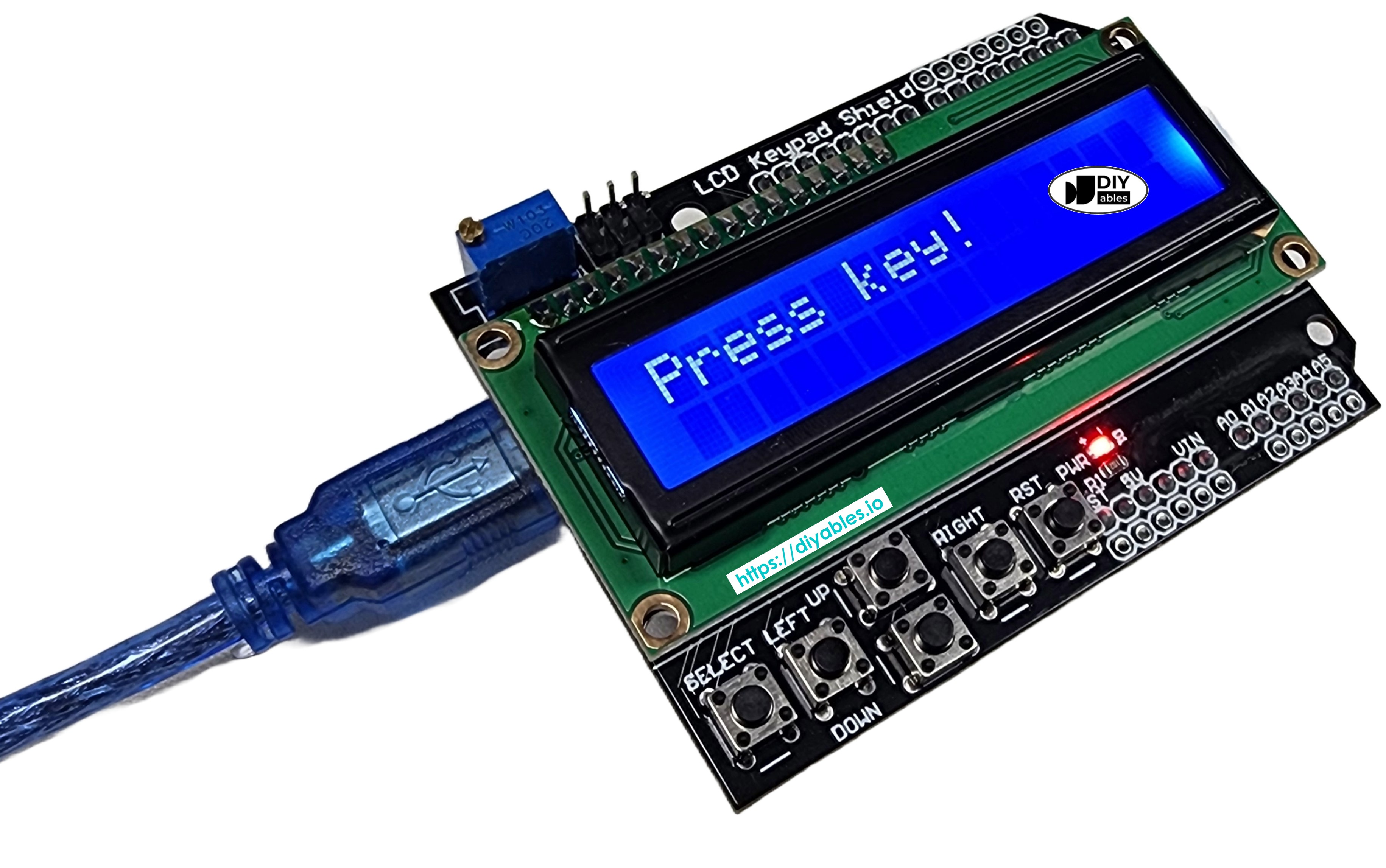
The DIYables LCD Keypad Shield integrates a 16×2 character LCD with a blue backlight and five tactile navigation buttons (Select, Up, Down, Left, Right) on a single plug-and-play Arduino shield. No breadboard, no soldering, no separate wiring — just stack it onto your Arduino board. All five buttons share a single analog pin (A0) through a resistor ladder, preserving digital pins for other uses. Package includes 2 shields.
Quick Overview
| Property | Value |
|---|---|
| Display | 16×2 character LCD (1602) |
| Display Color | Blue backlight, white text |
| LCD Controller | HD44780 compatible |
| Navigation Buttons | 5 (Select, Up, Down, Left, Right) |
| Button Interface | Single analog pin (A0) via resistor ladder |
| Contrast | Potentiometer-adjustable |
| Form Factor | Universal Arduino Shield |
| Compatible Boards | Arduino Uno, Mega (and Uno-form factor boards) |
| Package | 2 pieces |
Key Features
All-in-One User Interface
Display and 5 navigation buttons in a single shield — no separate components or wiring needed.
Single Analog Pin for All Buttons
All 5 buttons share A0 via a resistor ladder. Each button produces a unique analog voltage, read by the ADC. This saves 4 digital pins.
Plug-and-Play Shield
Directly stacks on Arduino Uno and Mega — all connections made through the shield headers.
Standard LiquidCrystal Library
Compatible with the Arduino built-in LiquidCrystal library — no additional libraries for basic display use.
Stackable Design
Additional shields can be stacked on top (with limitations based on pin usage).
Technical Specifications
| Parameter | Value |
|---|---|
| LCD Model | 1602 (16×2 characters) |
| LCD Controller | HD44780 compatible |
| Display Color | Blue backlight, white text |
| Buttons | 5 (Select, Up, Down, Left, Right) |
| Button Input | Analog A0 (resistor ladder) |
| Contrast | Potentiometer |
| Library | LiquidCrystal (built-in Arduino) |
| Voltage Reference | 5V (for 10-bit ADC button reading) |
| Form Factor | Arduino shield |
| Package | 2 pieces |
Getting Started
LCD Pin Mapping (Uno)
| LCD Function | Arduino Pin |
|---|---|
| RS | D8 |
| EN | D9 |
| D4 | D4 |
| D5 | D5 |
| D6 | D6 |
| D7 | D7 |
| Backlight | D10 (PWM optional) |
| Buttons | A0 |
Libraries
- LiquidCrystal — built-in Arduino library
Applications
- Menu navigation systems
- Settings adjustment interfaces
- Game controllers with simple display
- Industrial control panels
- Educational interactive projects
- Standalone instruments with parameter control
Equivalent Boards
| Module | Key Difference |
|---|---|
| 1602A LCD Blue Screen | Same display, parallel — no buttons included |
| LCD I2C 16x2 | I2C interface, no built-in buttons |
| LCD I2C 16x2 Blue Background | I2C, no buttons, 4-wire |
| 3.5" TFT Touch Shield | Full color touch display, no physical buttons |
Beginner Tutorials
Notes
- Analog button values vary slightly between boards and supply voltages; widen thresholds if buttons misread.
- The backlight is often connected to D10 (PWM); set analogWrite(10, 100) for dimming or digitalWrite(10, HIGH) for full brightness.
- Not all digital pins are available when the shield is stacked — check which pins the shield uses before adding more hardware.
Community
Revision History
| Version | Date | Notes |
|---|---|---|
| v1.0 | 2026-06 | Initial entry |