
Raspberry Pi Zero 2 W
Image Gallery
Overview
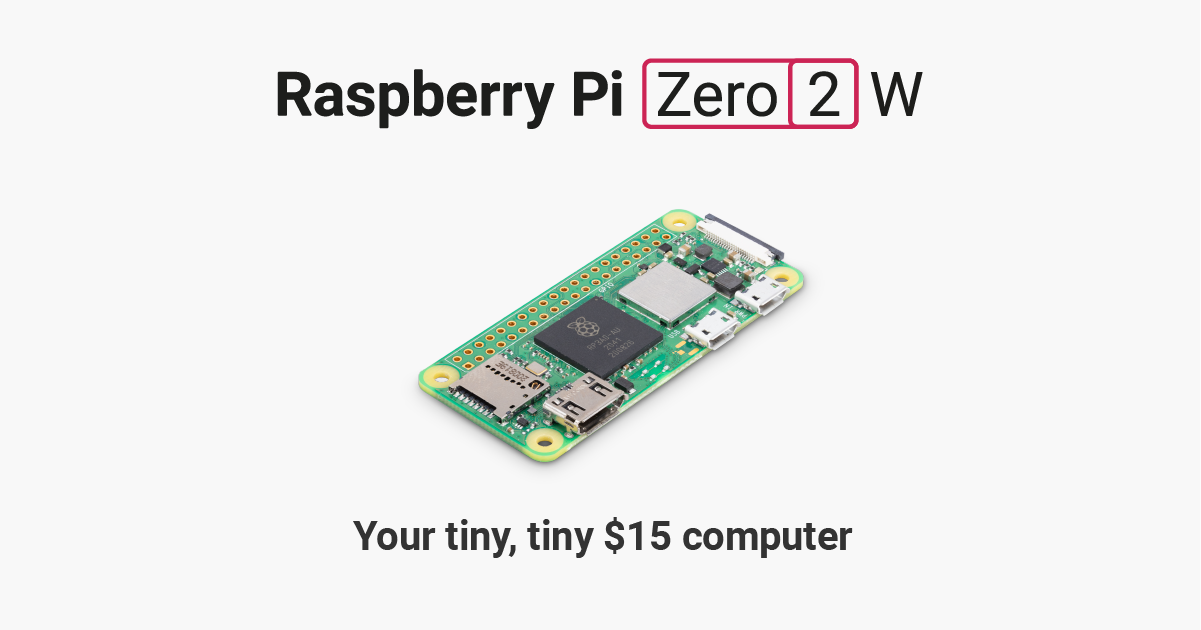
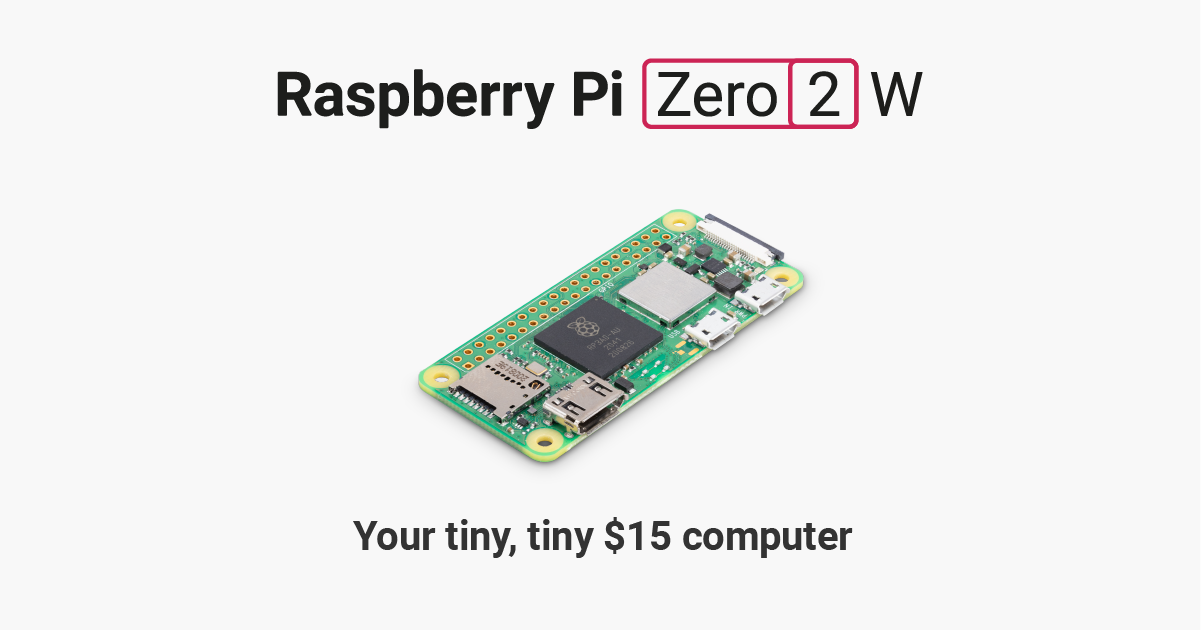
The Raspberry Pi Zero 2 W is the second-generation wireless Zero board, released in October 2021. It packs the same silicon as the Raspberry Pi 3 — a Broadcom BCM2710A1 quad-core ARM Cortex-A53 SoC — into the iconic 65 × 30 mm Zero footprint. Compared to the original Pi Zero W, it is roughly five times faster thanks to its quad-core processor, while retaining the same compact size, low cost, and integrated 2.4 GHz Wi-Fi and Bluetooth 4.2.
The board ships without pin headers soldered, keeping the profile slim for embedded builds. A mini CSI camera connector, mini HDMI output, and a micro USB OTG port round out the connectivity. It runs the full Raspberry Pi OS (Lite recommended for headless use) and is well-suited to IoT sensors, wearables, camera projects, and any task requiring a small Linux computer with wireless capability.
Key Features
- Quad-core ARM Cortex-A53 at 1 GHz (BCM2710A1 — same die as Raspberry Pi 3)
- 512 MB LPDDR2 SDRAM
- 2.4 GHz 802.11 b/g/n Wi-Fi and Bluetooth 4.2 / BLE via CYW43438
- 40-pin GPIO header (unpopulated — solder pins as needed)
- Mini CSI-2 camera connector (requires Zero-length ribbon cable)
- Mini HDMI video output
- 1× micro USB OTG (data) + 1× micro USB (power only)
- MicroSD card slot
- Runs Raspberry Pi OS, Raspberry Pi OS Lite, and other Linux distributions
- 65 × 30 mm board — identical footprint to original Pi Zero
Technical Specifications
| Specification | Details |
|---|---|
| CPU | Broadcom BCM2710A1, quad-core ARM Cortex-A53 @ 1 GHz |
| RAM | 512 MB LPDDR2 |
| Wi-Fi | 802.11 b/g/n 2.4 GHz (CYW43438) |
| Bluetooth | Bluetooth 4.2 / BLE via CYW43438 |
| GPIO | 40-pin (unpopulated header) |
| Camera | Mini CSI-2 connector (1-lane) |
| Video Output | Mini HDMI |
| USB Data | 1× Micro USB (OTG) |
| USB Power | 1× Micro USB (power only) |
| Storage | MicroSD card slot |
| Ethernet | None (use USB adapter) |
| Power Input | 5V / 2.5A via micro USB |
| Dimensions | 65 × 30 mm |
| Weight | 10 g |
| OS Support | Raspberry Pi OS, Raspberry Pi OS Lite, DietPi, others |
Pinout
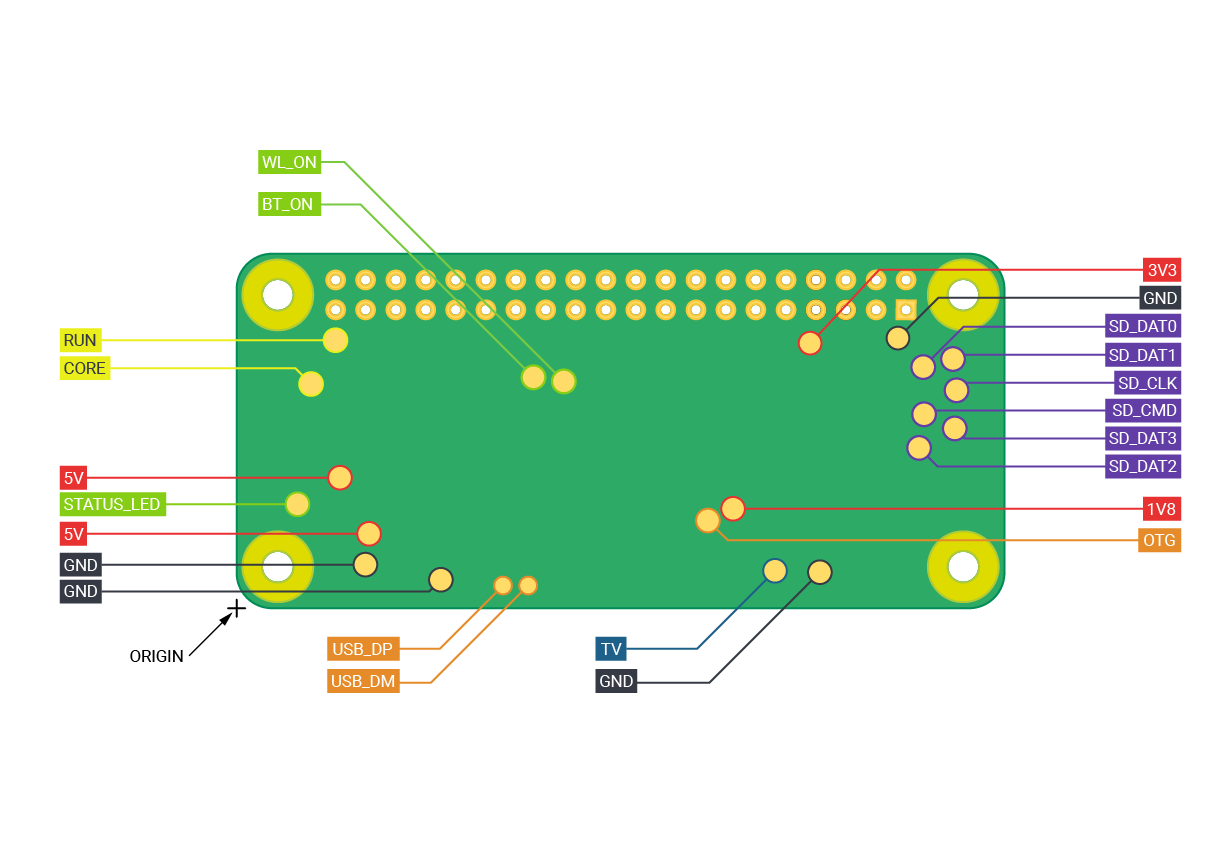
The Raspberry Pi Zero 2 W uses the standard 40-pin Raspberry Pi GPIO header layout. The header is unpopulated — you must solder your own 40-pin male or female headers.
| Pin | Function |
|---|---|
| 1, 17 | 3.3V Power |
| 2, 4 | 5V Power |
| 6, 9, 14, 20, 25, 30, 34, 39 | Ground (GND) |
| 3 | GPIO 2 (SDA1 — I2C) |
| 5 | GPIO 3 (SCL1 — I2C) |
| 8 | GPIO 14 (UART TX) |
| 10 | GPIO 15 (UART RX) |
| 19 | GPIO 10 (SPI0 MOSI) |
| 21 | GPIO 9 (SPI0 MISO) |
| 23 | GPIO 11 (SPI0 SCLK) |
| 24 | GPIO 8 (SPI0 CE0) |
Power
The Raspberry Pi Zero 2 W is powered via the dedicated micro USB power port (labelled PWR IN). It requires a 5V supply capable of delivering at least 2.5A for stable operation under load, especially when running Wi-Fi and GPIO peripherals simultaneously. The OTG micro USB port on the left edge is for data only and should not be used as the primary power source in production builds.
Getting Started
What You Need
- Raspberry Pi Zero 2 W
- MicroSD card (8 GB or larger, Class 10 recommended)
- Micro USB power supply (5V / 2.5A)
- Mini HDMI to HDMI adapter (optional, for display)
- Micro USB OTG adapter (optional, for USB keyboard/mouse)
Setting Up
- Download Raspberry Pi Imager from https://www.raspberrypi.com/software/
- Flash Raspberry Pi OS Lite (64-bit) to your microSD card.
- Before ejecting, use Imager's Advanced Options (gear icon) to configure Wi-Fi SSID/password and enable SSH for headless setup.
- Insert the microSD card, connect power, and SSH into the board once it boots.
- Optionally solder a 40-pin header to access GPIO.
Programming
The Raspberry Pi Zero 2 W runs a full Linux OS, so it supports a wide range of programming languages. Python is the most common choice for GPIO work.
Python GPIO Blink (RPi.GPIO)
Python GPIO Blink (gpiozero)
Applications
- IoT sensor nodes (temperature, humidity, air quality)
- Wearable computing projects
- Wireless security cameras (with Zero CSI ribbon cable)
- Portable media players
- Retro gaming handheld builds
- Network monitoring and packet capture
- Time-lapse photography controllers
- Badge/name-tag displays
Where to Buy
- Official page: https://www.raspberrypi.com/products/raspberry-pi-zero-2-w/
- Amazon: https://www.amazon.com/s?k=Raspberry+Pi+Zero+2+W
- Approved resellers listed at https://www.raspberrypi.com/products/raspberry-pi-zero-2-w/
Equivalent Boards
| Board | Key Difference |
|---|---|
| Raspberry Pi Zero W | Same form factor, single-core BCM2835 — roughly 5× slower |
| Raspberry Pi 3 Model A+ | Same CPU (BCM2710A1) but larger board, full-size HDMI, standard USB-A |
| ESP32 (various) | Much lower power, no Linux, faster GPIO response, cheaper |
| Banana Pi M2 Zero | Similar form factor with allwinner H2+, alternative Linux SBC |
Documentation
- Official product page: https://www.raspberrypi.com/products/raspberry-pi-zero-2-w/
- Raspberry Pi documentation: https://www.raspberrypi.com/documentation/
- Raspberry Pi OS: https://www.raspberrypi.com/software/
Community
- Raspberry Pi Forums — official community
- r/raspberry_pi (Reddit) — share projects
- Raspberry Pi Discord — real-time chat
Revision History
| Version | Date | Notes |
|---|---|---|
| v1.0 | 2026-06 | Initial entry |